How Effects Work
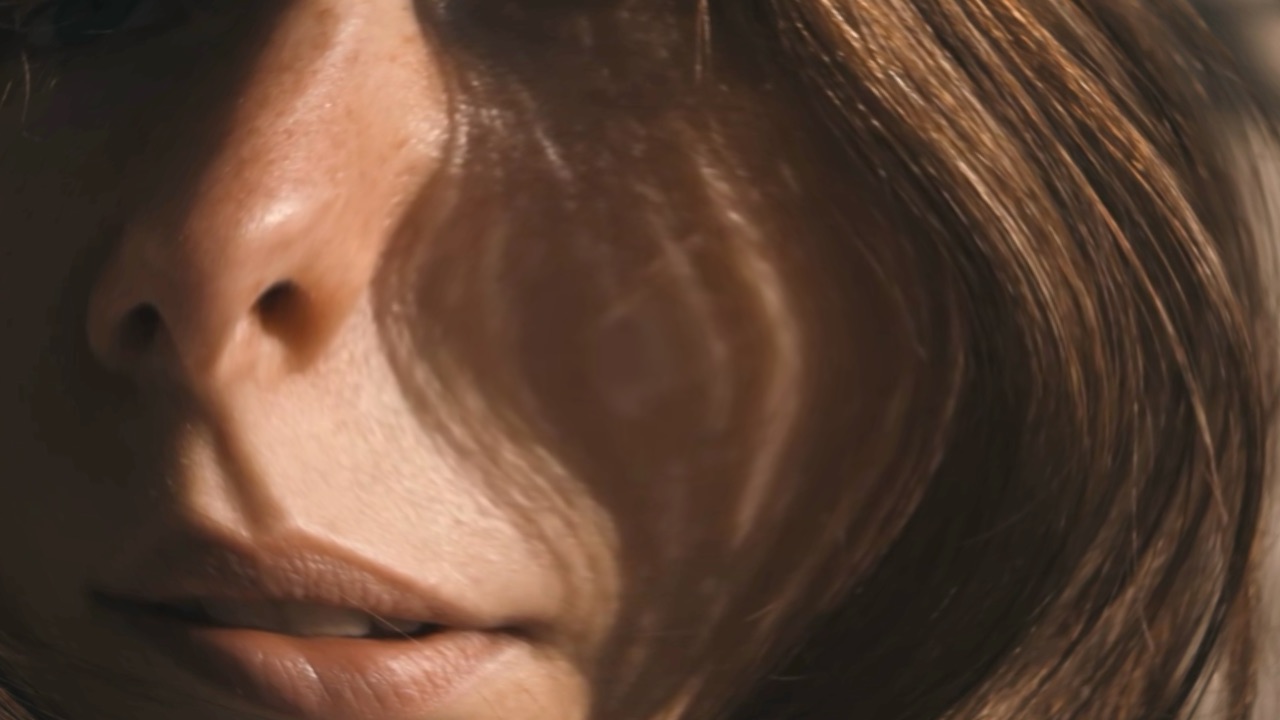
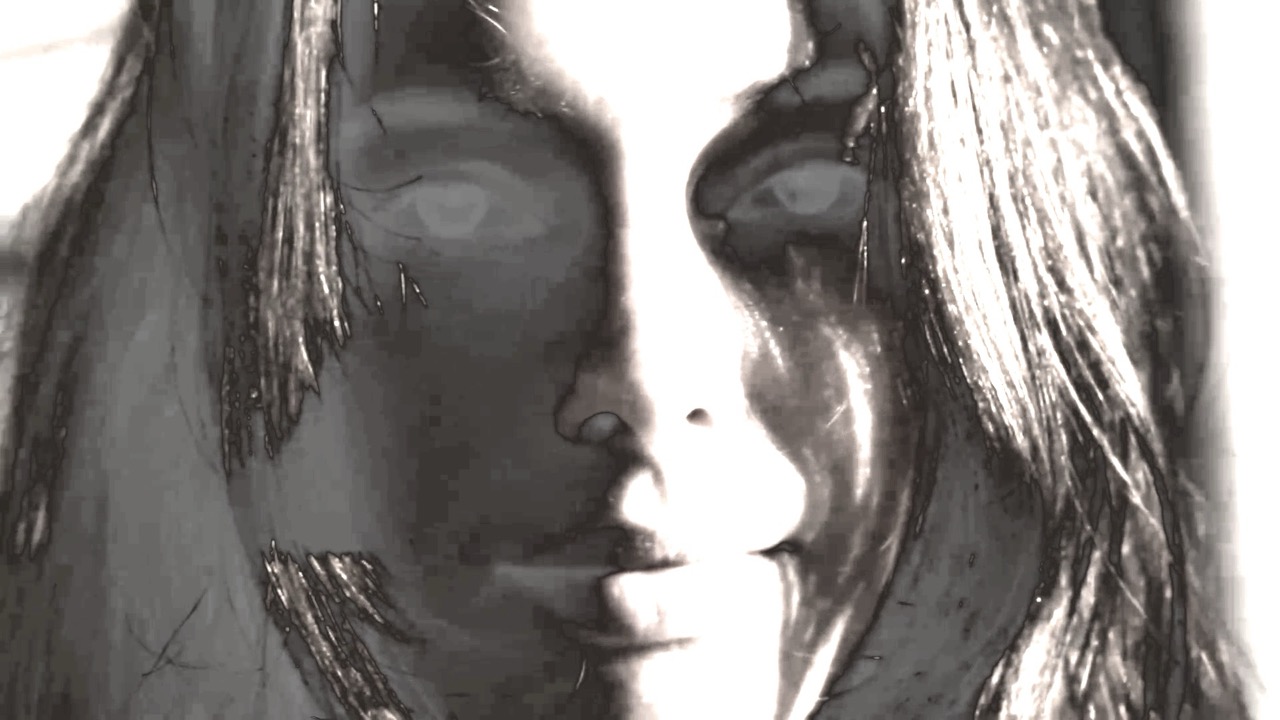
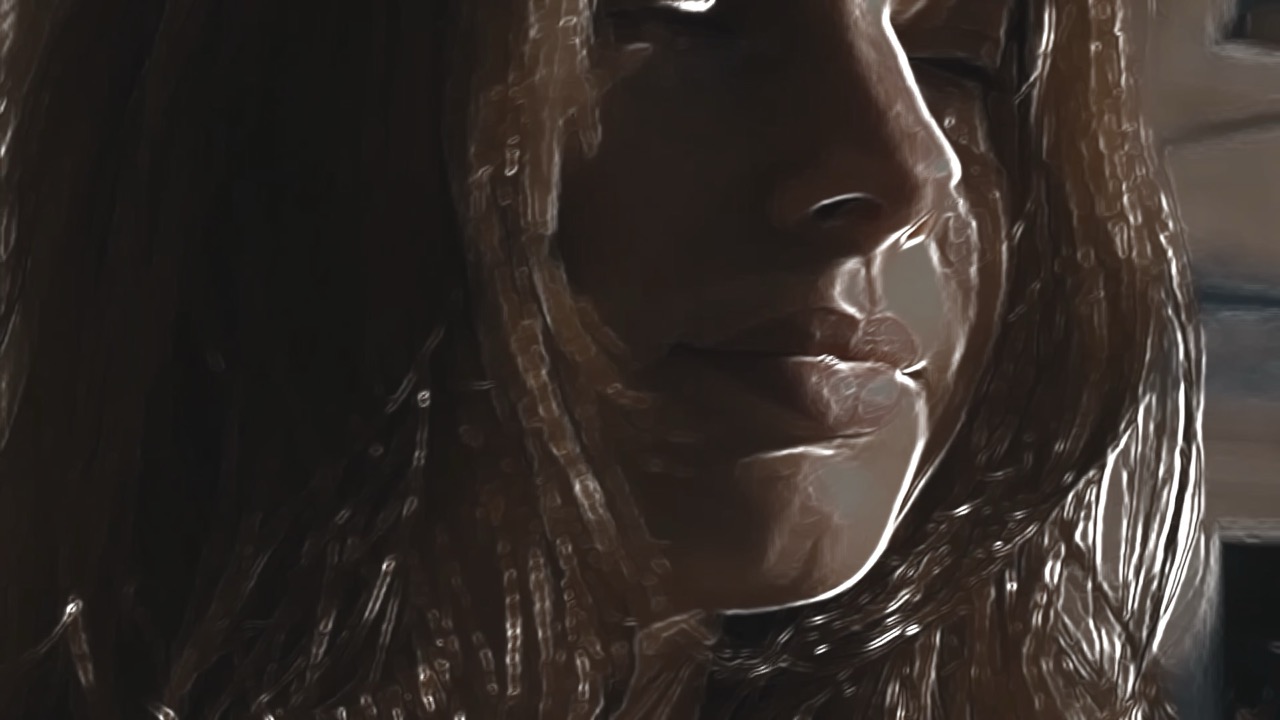
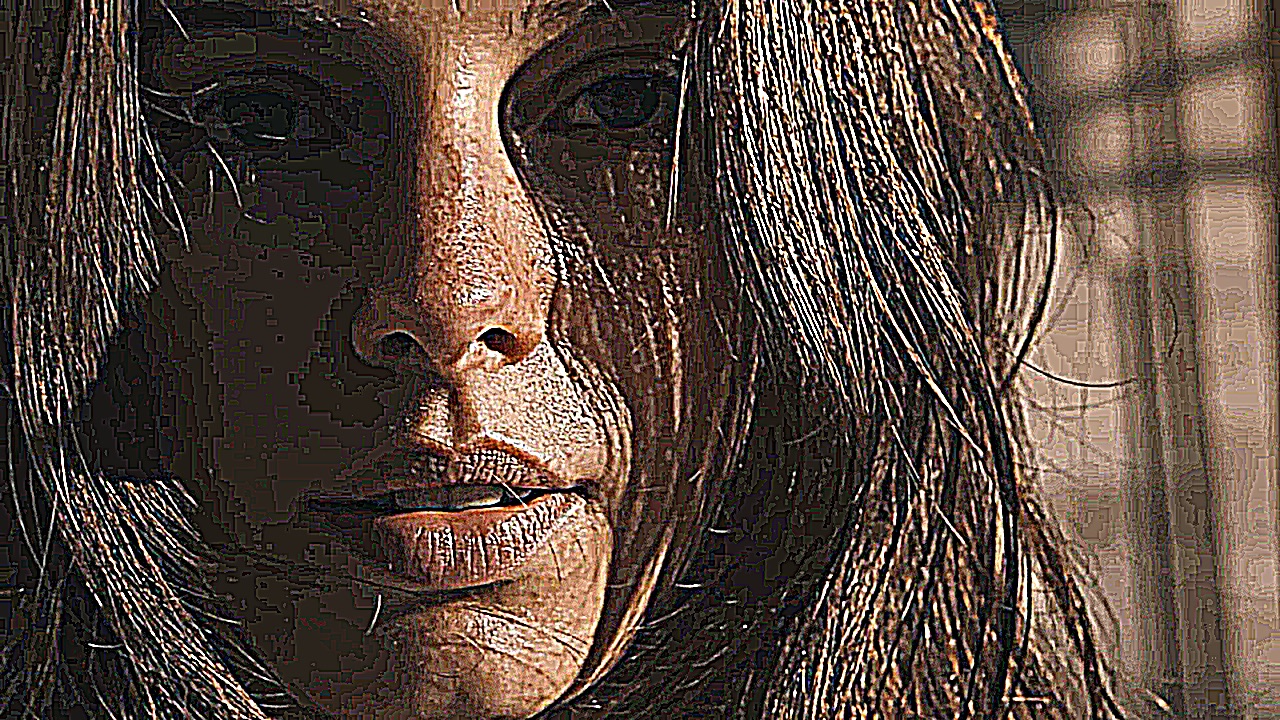
Effects stack. Each one you add sits in a list, and the list runs
top to bottom — the first pass runs first and everything below it
works on the result. That order matters as much as the values.
Everything runs in real time on the GPU up to 4K, so the fastest
way to understand any of these is to drag one slider end to end
and watch. Any parameter here can also be animated with
modulators — keyframed, driven by
an LFO, or made audio-reactive.
Reframing the Picture
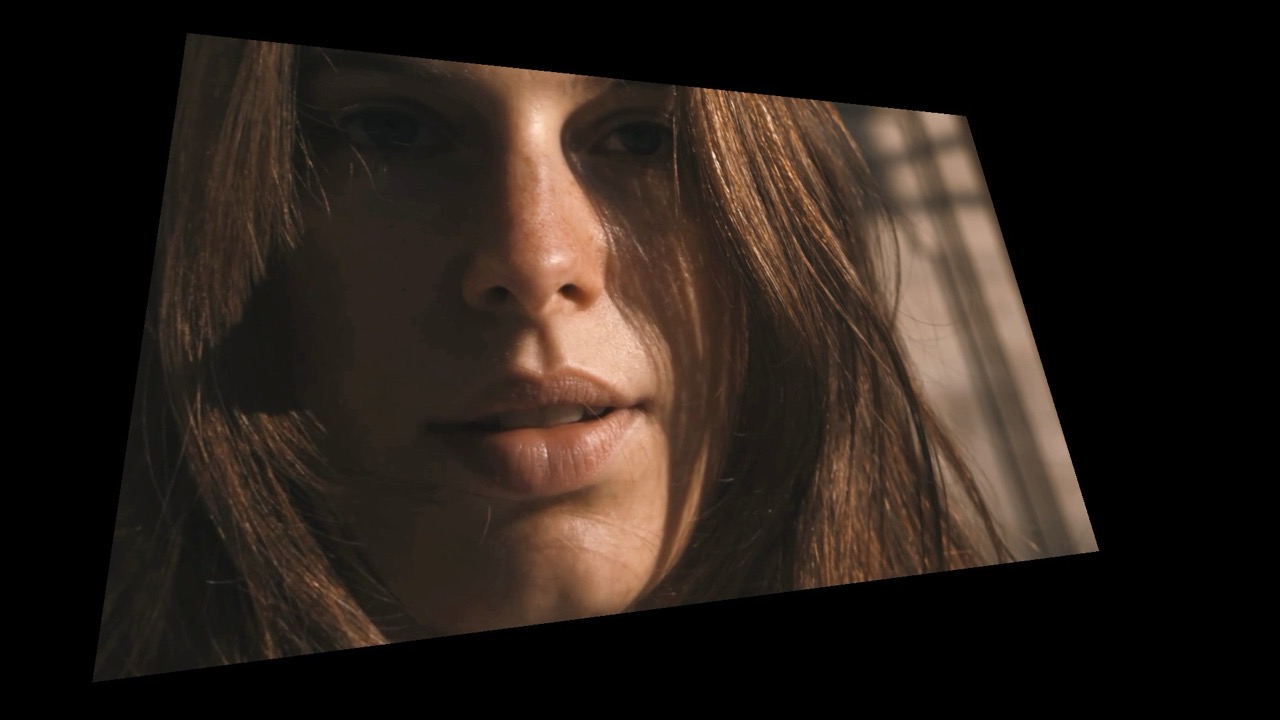
Moving, scaling and rotating the frame itself.
Time-Based Effects
These build their result from several frames, so they need video. On a still there is no motion or history to work with and most will do nothing.
Data Mosh
Prefers video in Animated
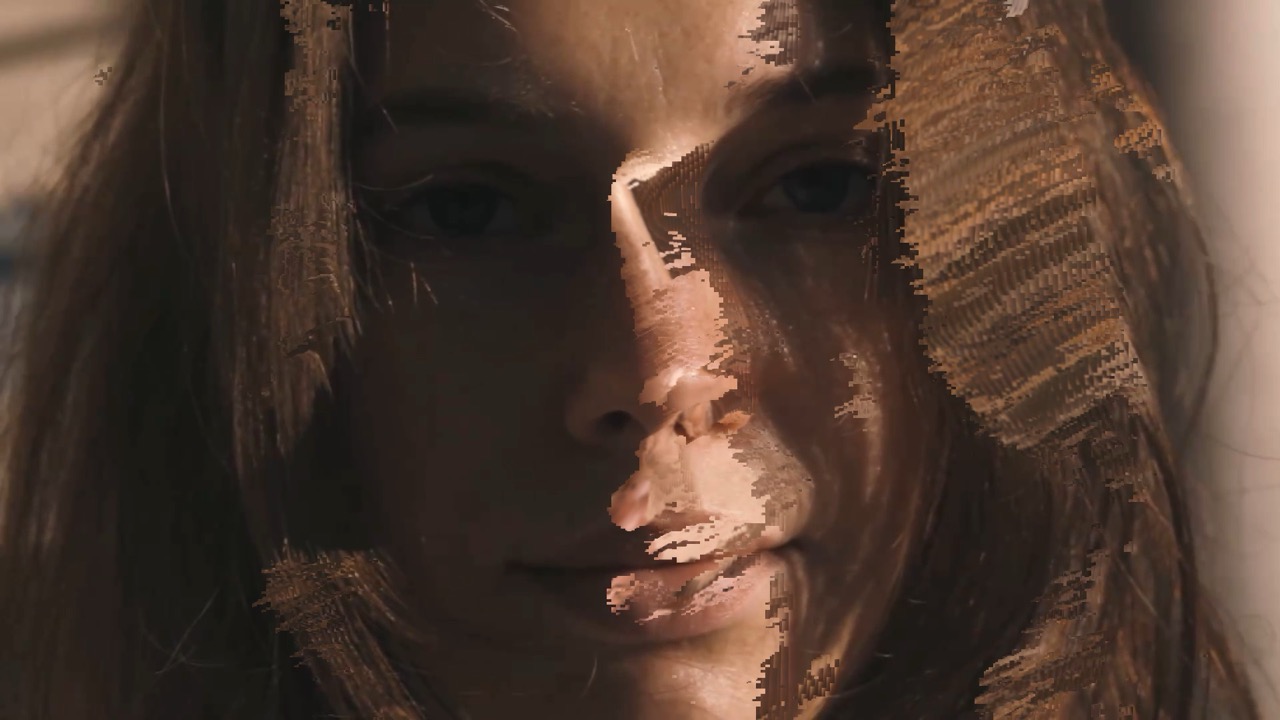
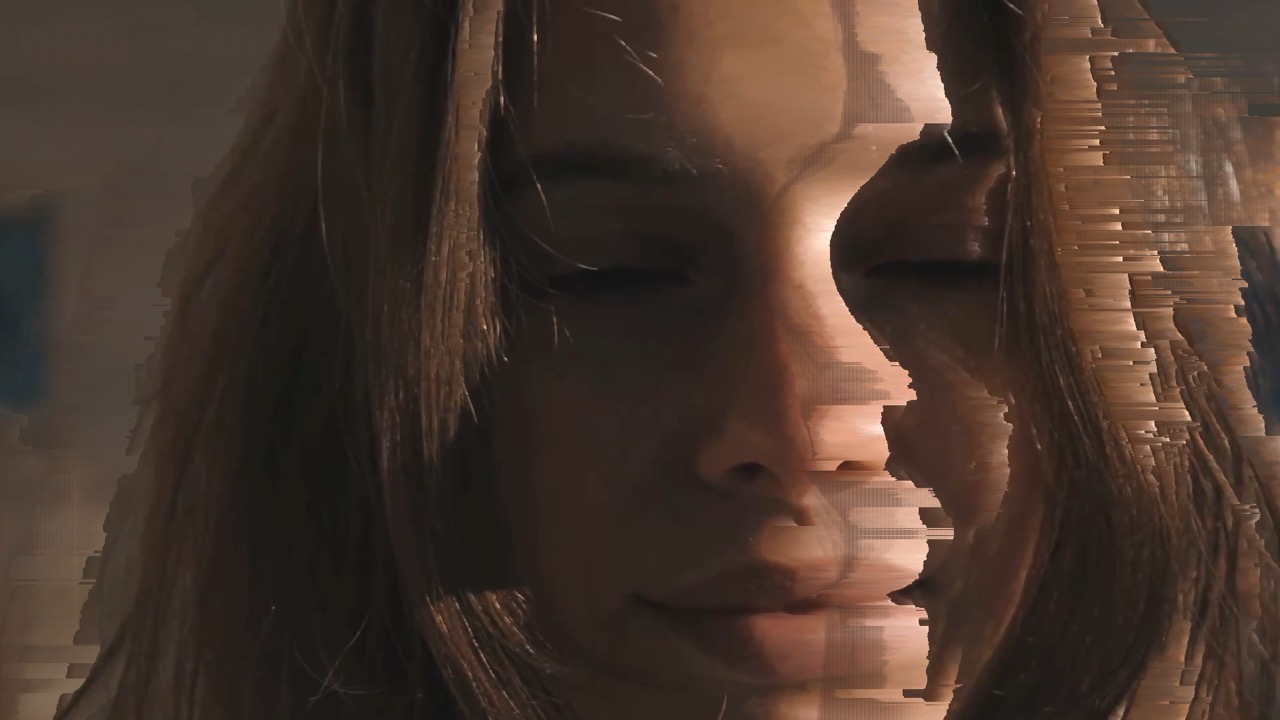
The effect the app is named after. It throws away the frames that would redraw the picture and keeps the motion data, so movement smears the previous image forward instead of refreshing it. Needs video — on a still there is no motion to carry.
| Amount | effect strength |
| Blockiness | size of the smeared blocks |
| Flow | how hard motion drags pixels |
Decimate
Prefers video in Animated
Holds and repeats frames instead of showing every one, so motion arrives in steps. The digital equivalent of shooting on twos — useful for making smooth footage feel handmade.
| Amount | effect strength |
| Colorize | tints the held frames |
| Speed | how often it updates |
| Scale | size of the held blocks |
Optical Flow
Prefers video in Animated
Measures which way each part of the frame is moving and drags the picture along those vectors, so the image flows like liquid. Motion-reactive: the more movement in the shot, the more it does.
| Amount | effect strength |
| Distortion | how far pixels travel |
| Speed | how quickly flow builds and decays |
Feedback
Prefers video in Animated
Feeds the previous frame back into this one, slightly transformed each time — the video equivalent of pointing a camera at its own monitor. Produces trails, tunnels and spirals depending on how you transform each pass.
| Amount | effect strength |
| Scale | zoom per iteration, which makes tunnels |
| Rotate | spin per iteration, which makes spirals |
| Warp | bends the feedback |
| Hue Shift | color cycles as it recurses |
Watercolor
Prefers video in
Averages neighboring pixels into flat pools of color with soft edges, like paint bleeding on wet paper. Detail dissolves; shape and color survive.
| Amount | effect strength |
| Flow | how strongly it runs |
| Direction | which way it runs |
Slit Scan
Coming soon Prefers video in Animated
Builds the output from a moving slice of time rather than a single instant, so different parts of the frame come from different moments. Movement stretches into long smears; a static camera produces almost nothing.
| Amount | effect strength |
| Slices | how many time-slices the frame is built from |
| Angle | direction the slices run |
Displacement and Glitch
Pushing pixels around — from a gentle wobble to a torn transmission.
Luma Mesh
Prefers video in Animated
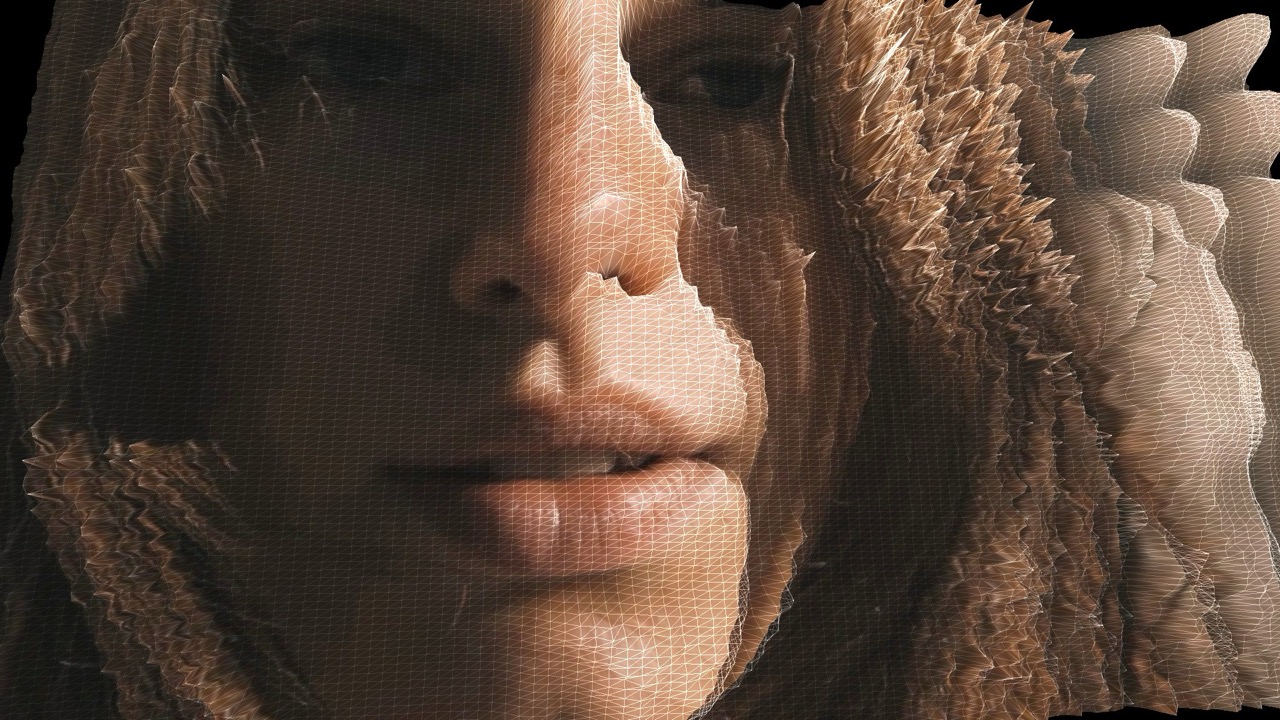
Turns brightness into height: light areas rise, dark areas sink, and the frame becomes a 3D landscape you are looking across. Strongest on footage with clear light and shade.
| Mesh Opacity | visibility of the solid surface |
| Grid Opacity | wireframe over the surface |
| Luma Height | how far bright areas rise |
| Luma Invert | flip which tones rise |
| Bands Height | stepped terracing in the height |
| Warp Height | extra distortion of the surface |
| Tilt Amount | the drifting viewing angle |
| Tilt Speed | how fast the viewing angle drifts |
| Grid Color | color of the wireframe |
| Mouse Controls | drag the preview to change the angle |
Bulge
Pushes the image outward from the center like a fisheye lens. One control, and it covers everything from a subtle lift to a full distortion.
Slices
Animated
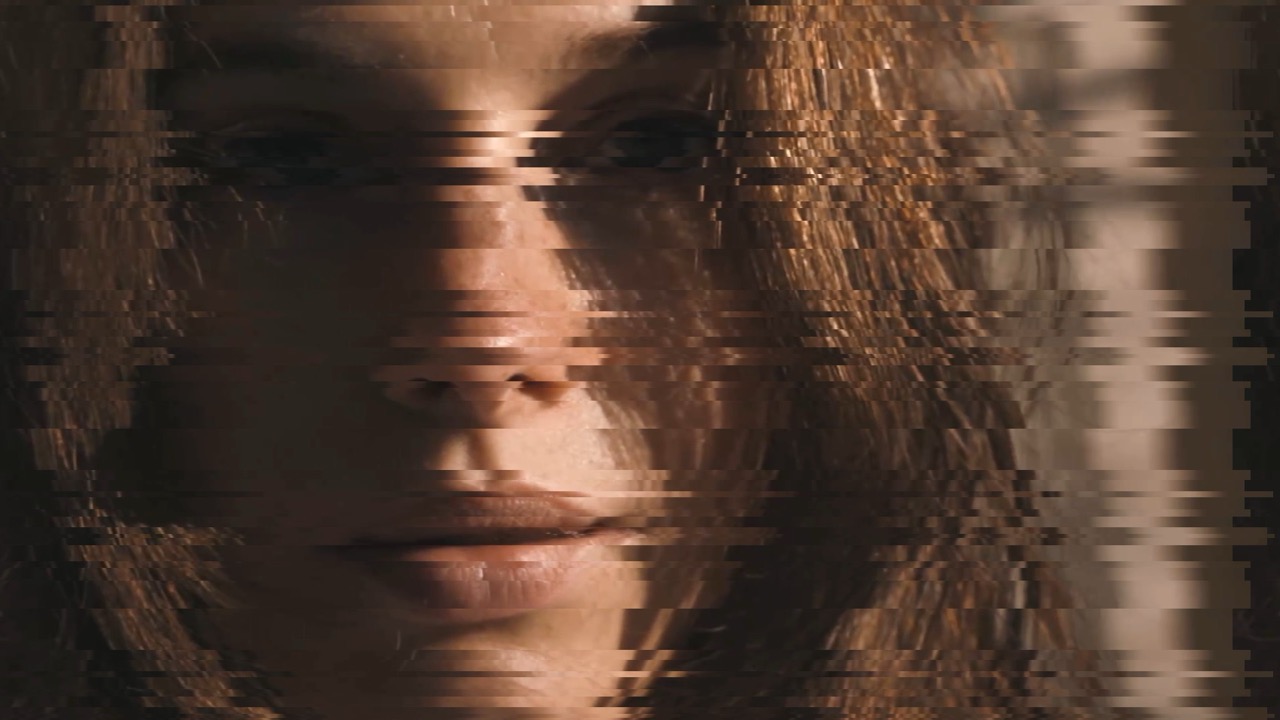
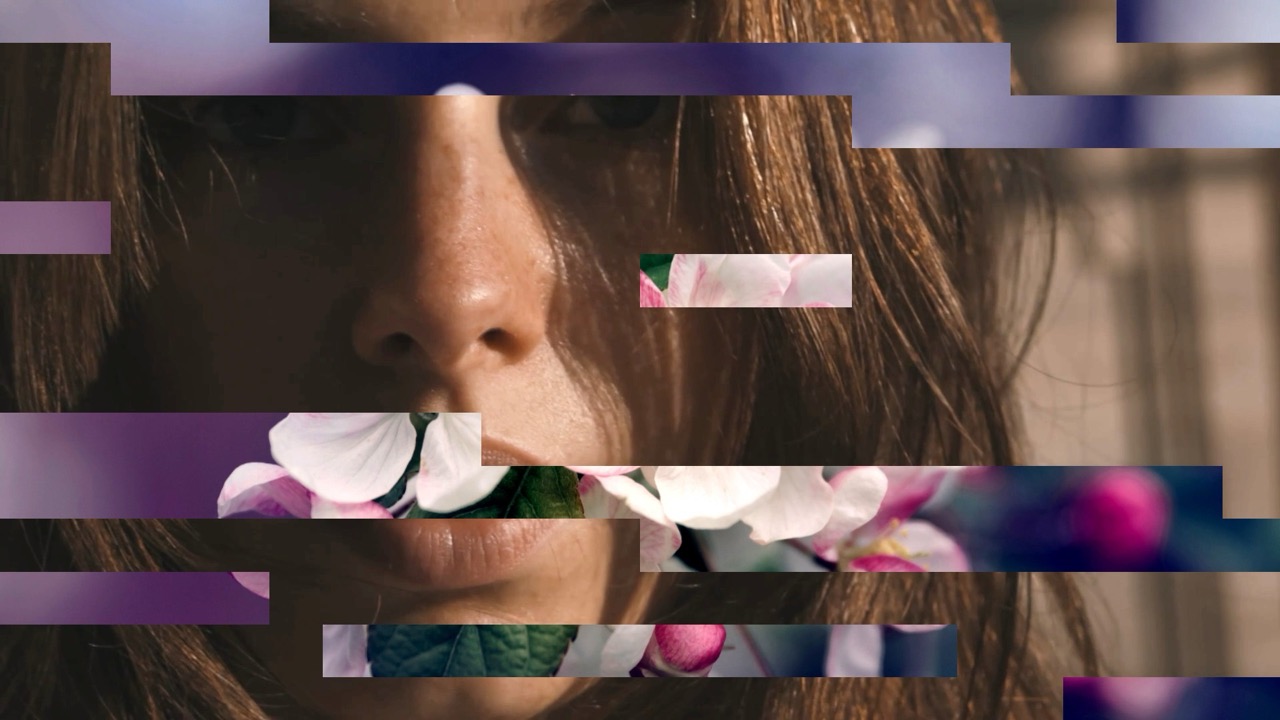
Cuts the frame into horizontal bands and slides them out of alignment — the classic torn-transmission look.
| Amount | effect strength |
| Count | how many bands |
| Angle | rotates the cut direction |
| Vert Speed | vertical travel of the bands |
| Horiz Speed | how fast bands travel |
Stretch
Animated
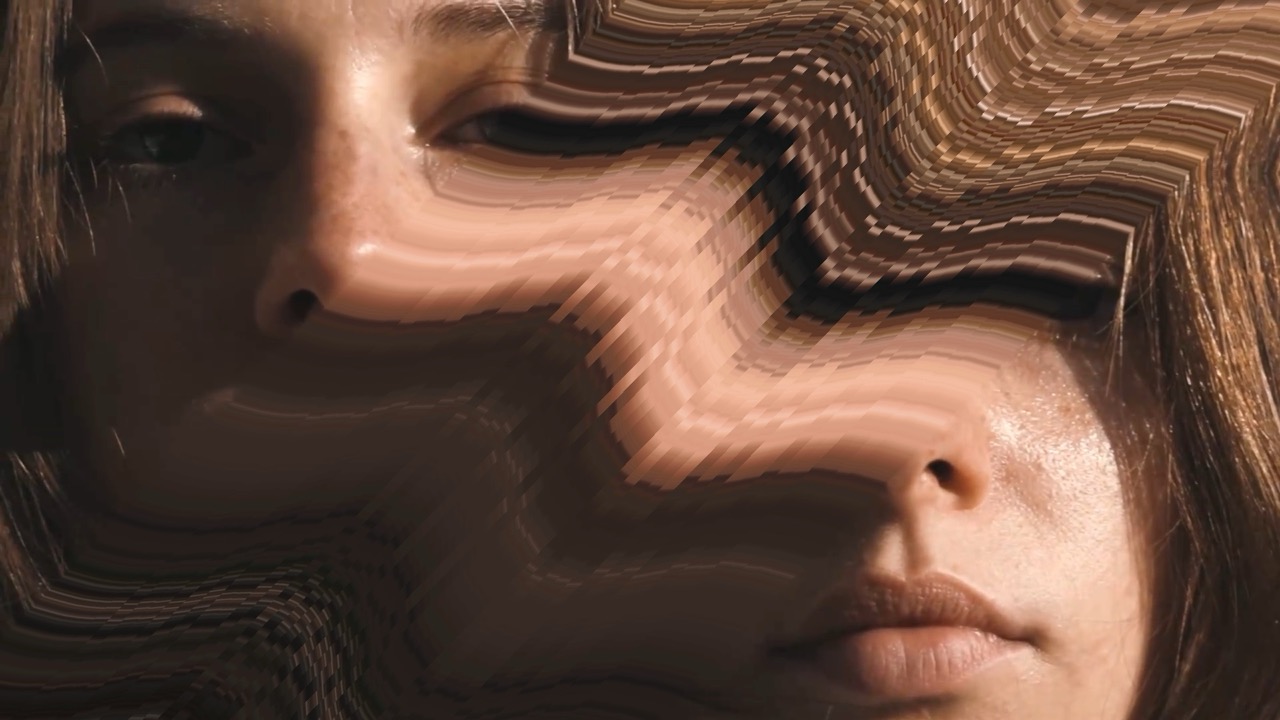
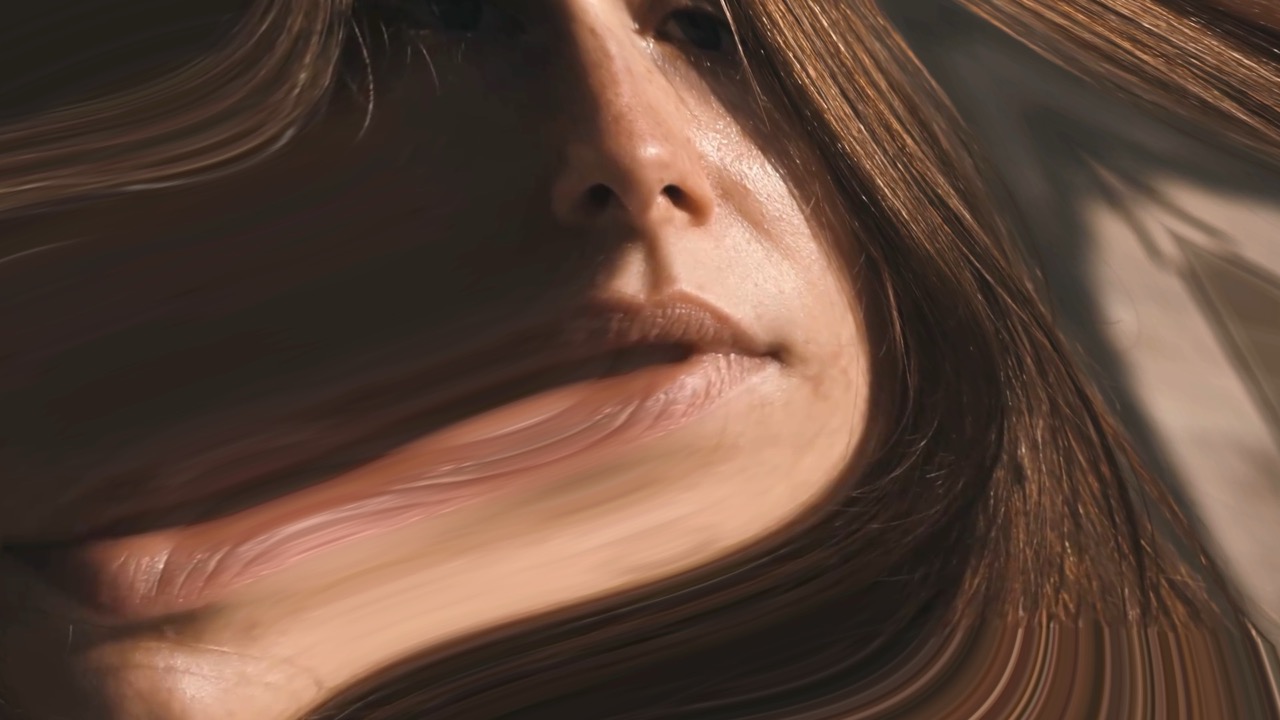
Grabs a region and pulls it across the frame, smearing whatever it passes over. Good for hiding something, or for making one feature dominate.
| Amount | effect strength |
| Center | where the pull starts |
| Angle | direction |
| Wave | adds irregularity to the edge |
| Jaggies | adds irregularity to the edge |
Jitter
Animated
Small, fast random displacement — the picture never quite settles. Subtle amounts read as an unstable signal rather than an effect.
| Amount | effect strength |
| Speed | how fast it moves |
| Angle | direction of travel |
Melt
Animated
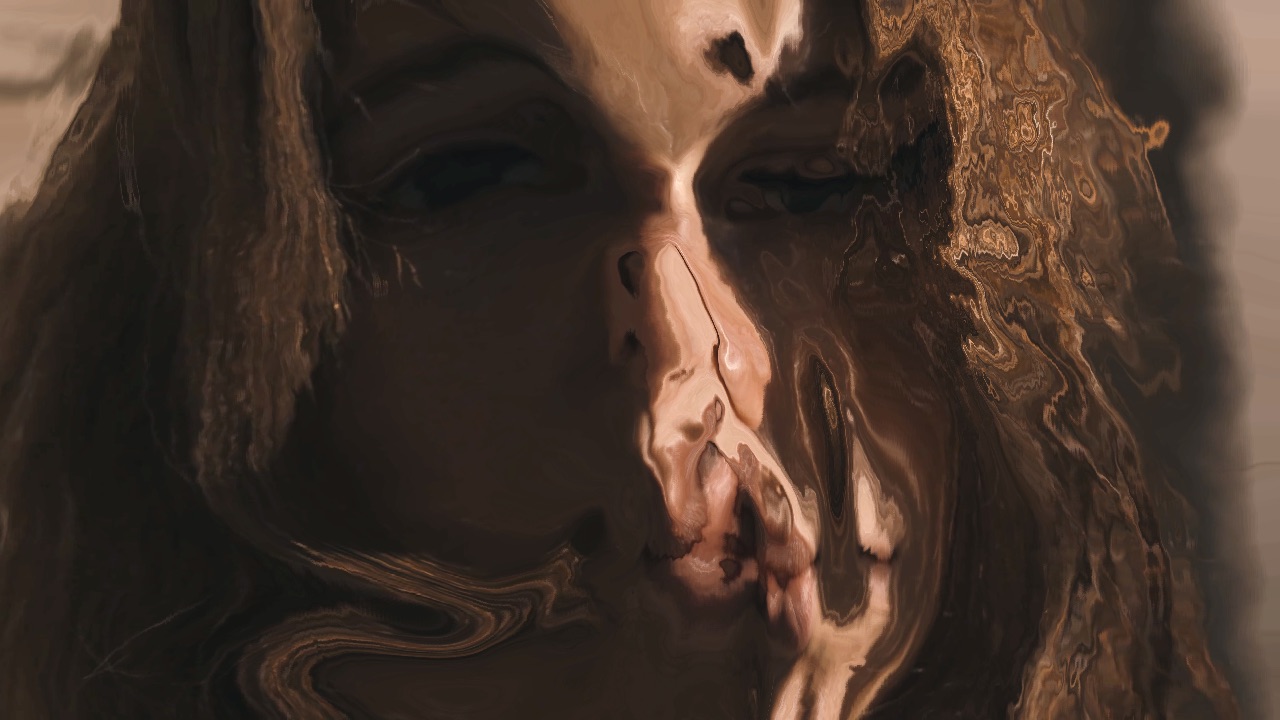
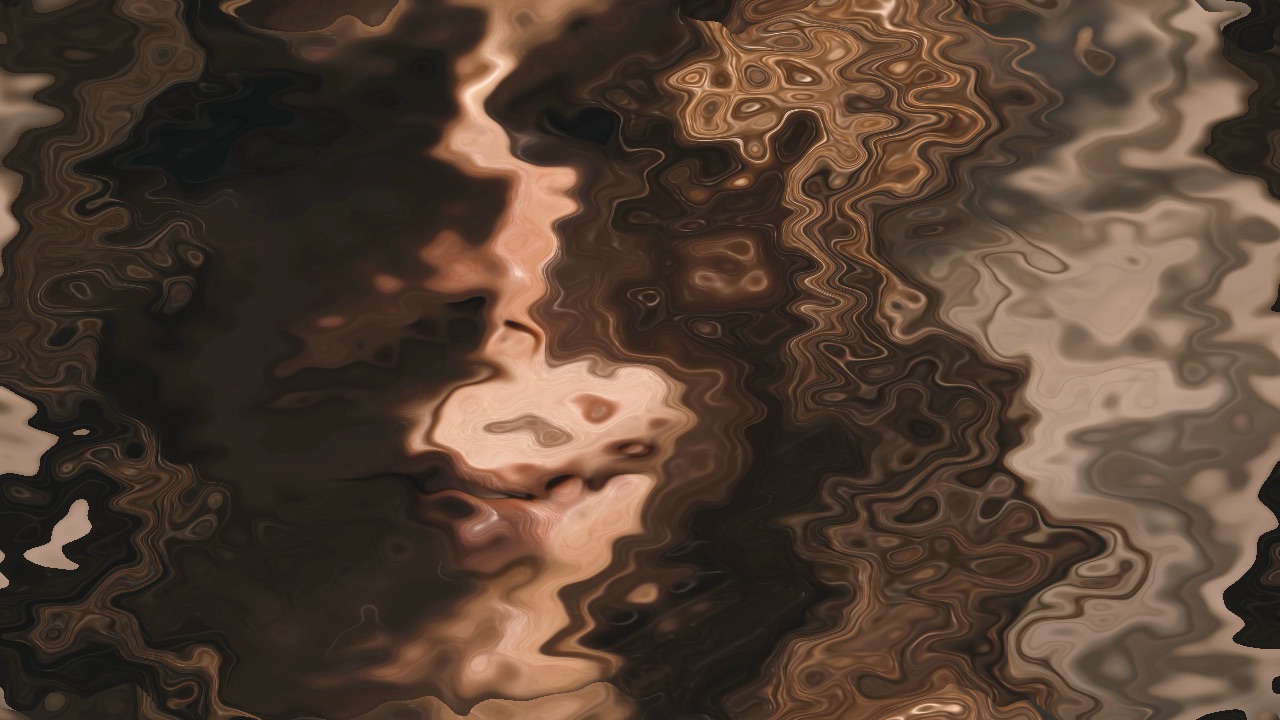
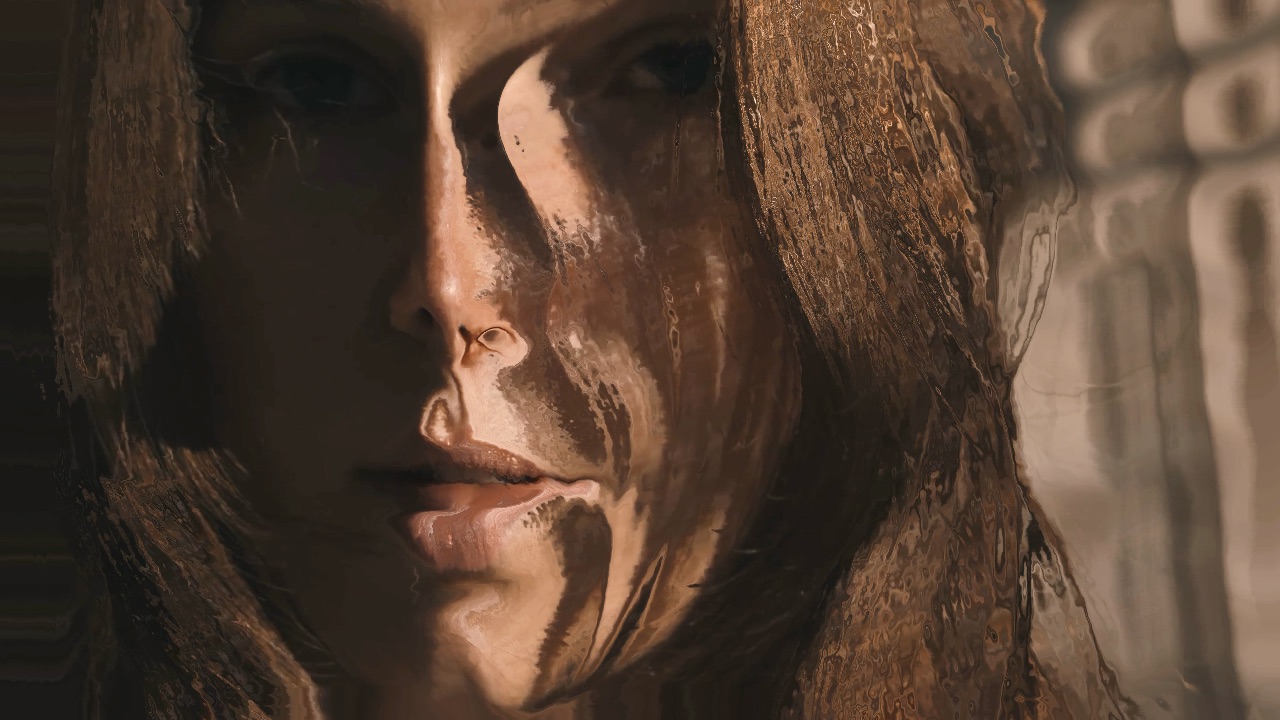
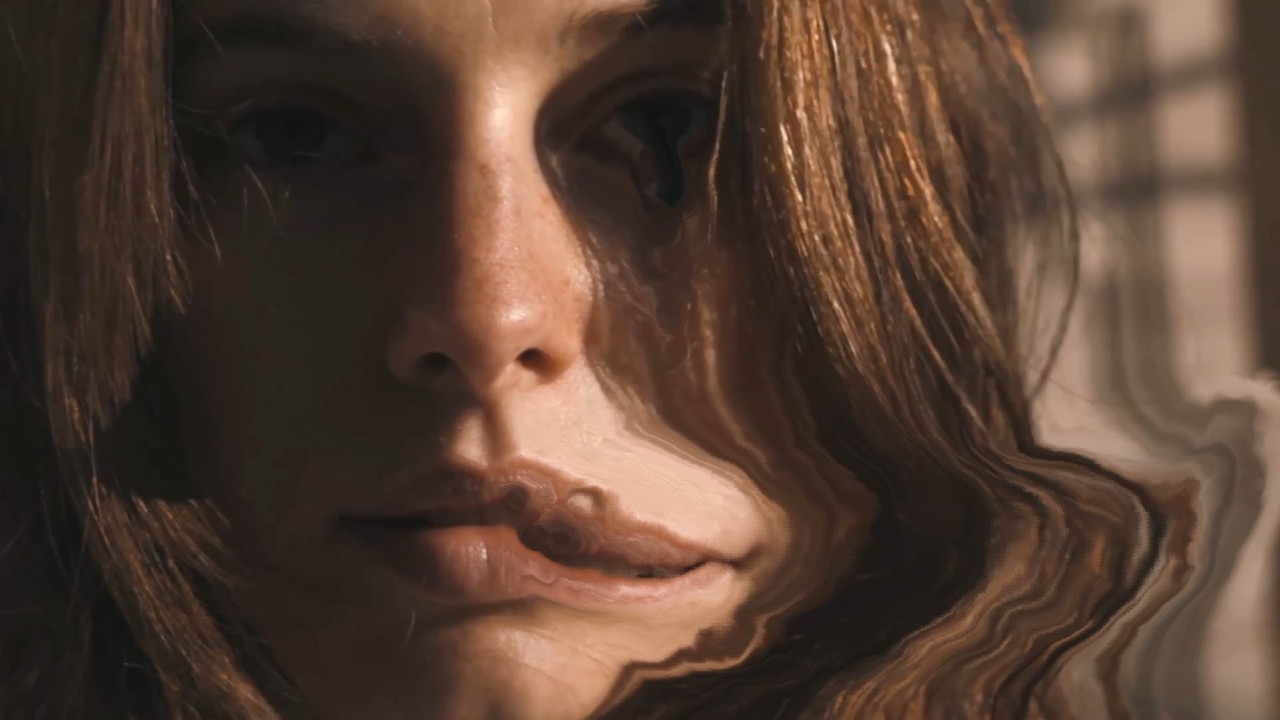
Drags the image downward in irregular runs, as though the picture were sliding off the screen.
| Amount | effect strength |
| Scale | width of the runs |
| Speed | how fast it flows |
Wobble
Animated
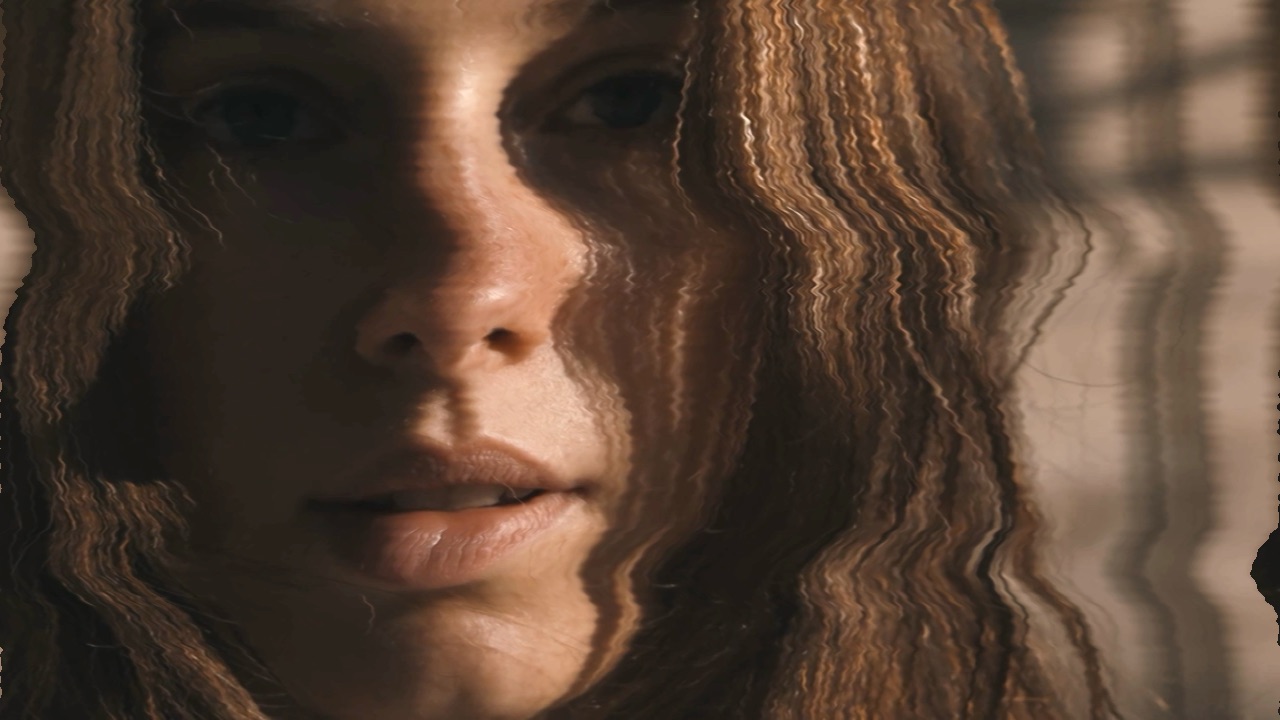
A smooth rolling distortion across the whole frame — a lens made of water rather than glass.
| Amount | effect strength |
| Size | wavelength |
| Speed | how fast it rolls |
Wave
A single clean sine wave through the picture. More controlled than Wobble: you choose where it sits and which way it runs.
| Amount | effect strength |
| Size | wavelength |
| Position | where it crosses the frame |
| Angle | direction |
Shake
Animated
Displaces the whole frame frame-by-frame, like a camera being knocked. Small values add energy; large ones are an impact.
| Amount | effect strength |
| Speed | how frequently |
Bad TV
Animated
Analog transport warble — the picture bending as though the tracking is off. Two distortion scales, plus how fast the band travels.
| Thick Distort | large horizontal displacement |
| Fine Distort | high-frequency jitter on top |
| Roll Speed | vertical travel; 0 freezes it |
Soft Glitch
Animated
Gradient chromatic tearing — color pulls apart in soft bands rather than hard blocks. The gentler of the two glitches.
| Amount | effect strength |
| Speed | how fast it changes |
Hard Glitch
Animated
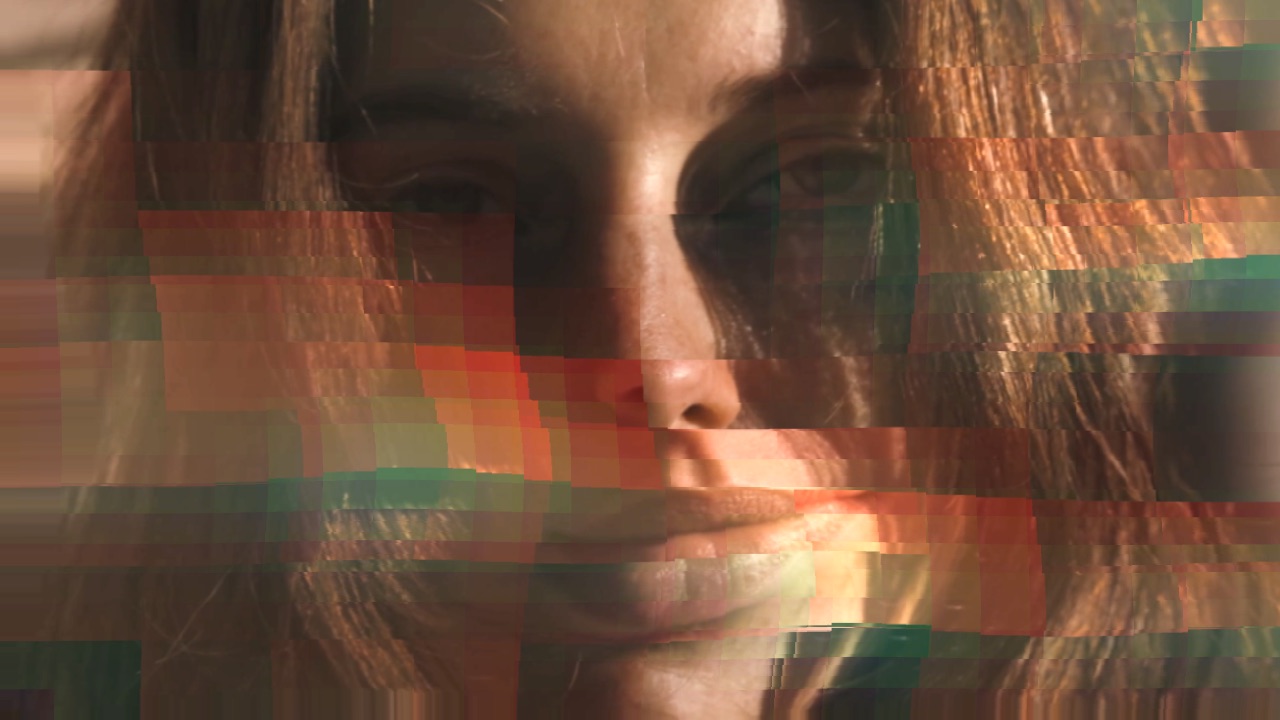
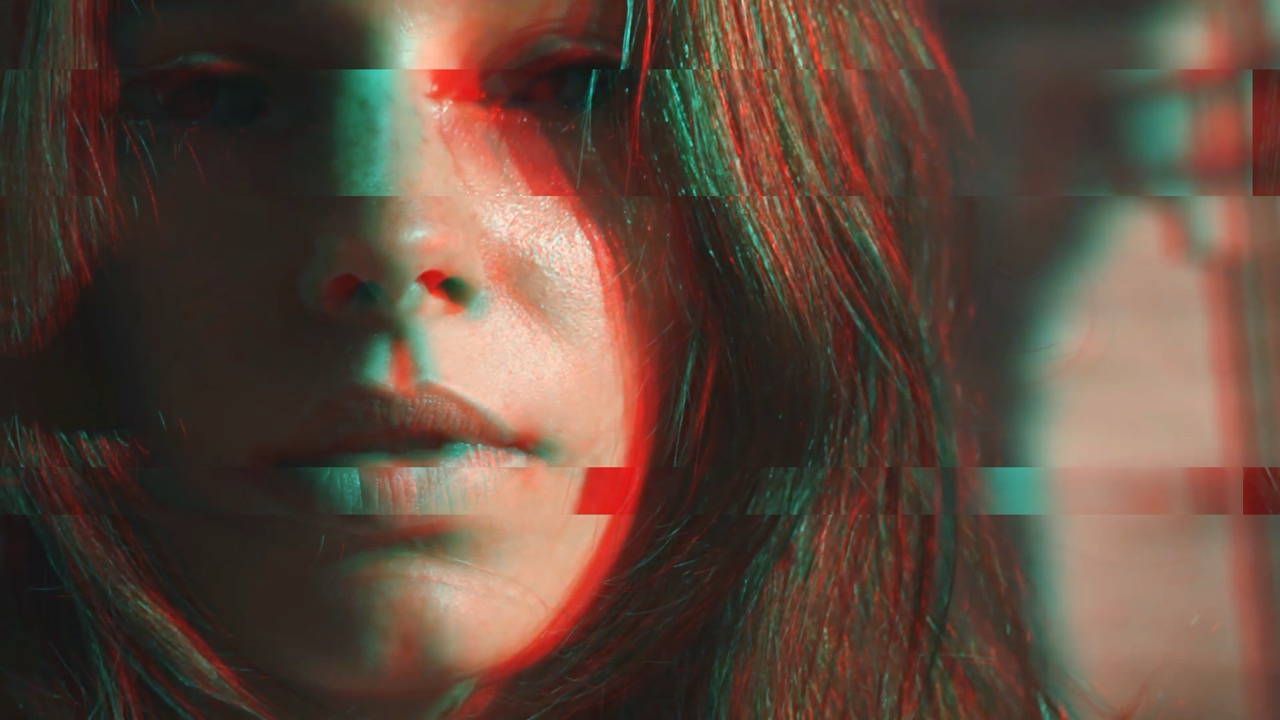
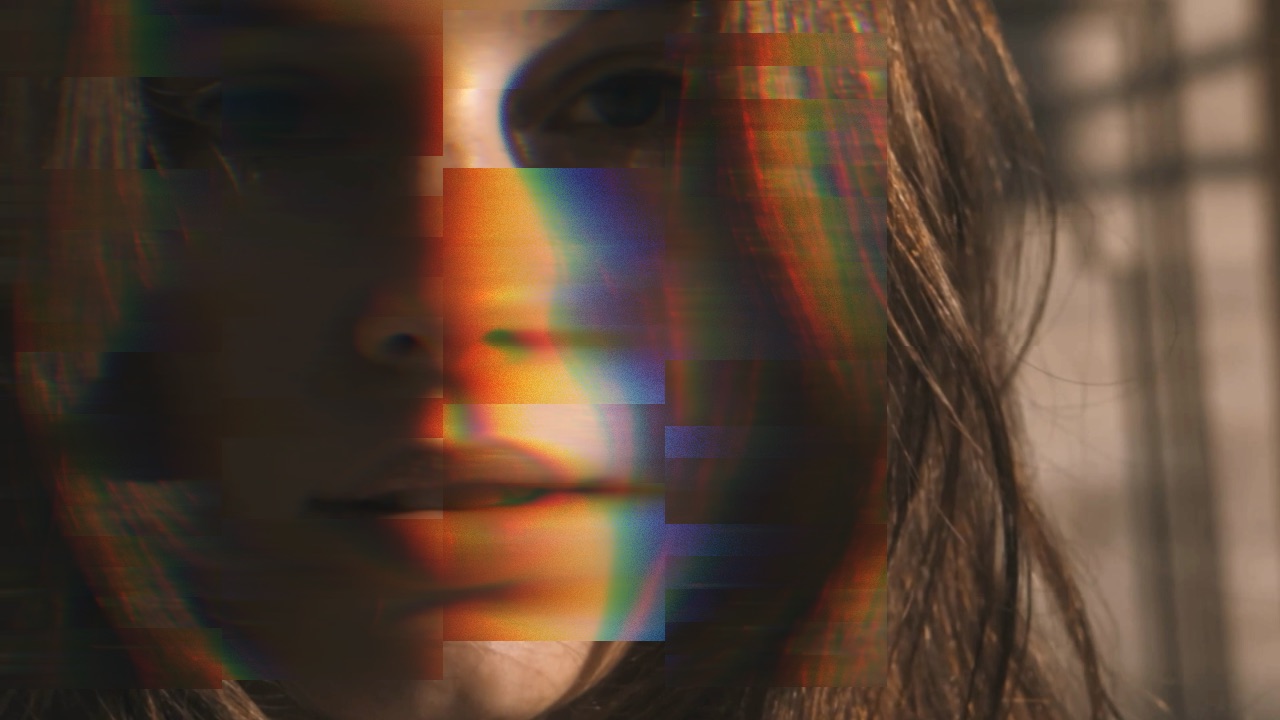
Chunky, hard-edged displacement at several scales at once, with color splitting. This is the aggressive one.
| Amount | effect strength |
| Scale | size of the blocks |
| Color Split | how far channels separate |
| Speed | rate of change |
Smear
Animated
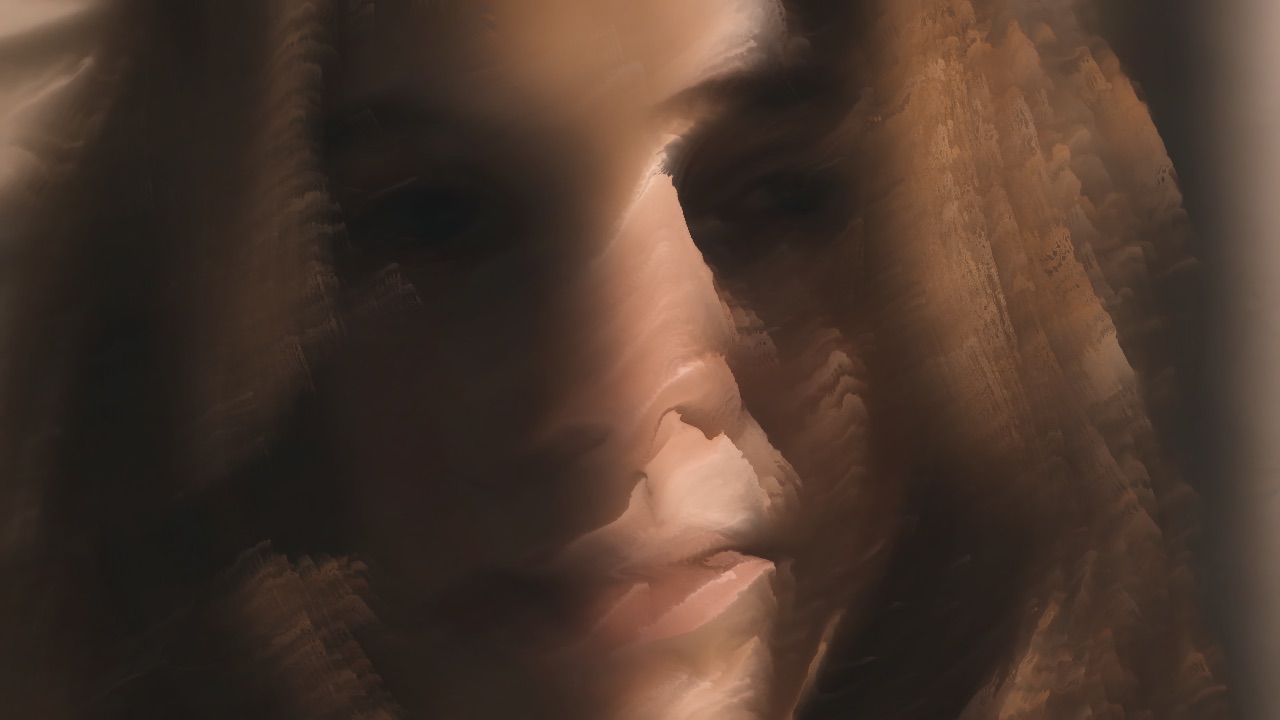
Drags pixels in one direction and holds them, leaving long painted streaks behind moving areas.
| Amount | effect strength |
| Speed | how quickly they build |
Strobe
Animated
Cuts frames in and out on a beat. Set speed against your track and it becomes a rhythmic device rather than a filter.
| Amount | effect strength |
| Speed | flashes per second |
| Random | irregular rather than metronomic |
Light Streak
Animated
Stretches highlights into anamorphic streaks. Needs something bright in frame to catch — it works on the light, not the whole picture.
| Amount | effect strength |
| Angle | direction |
| Shift | color separation along the streak |
Pixel Sort
Animated
Sorts pixels by brightness within each row or column, so the image melts into ordered bands of color. A signature glitch-art look, and it runs in real time on video here.
| Amount | effect strength |
| Threshold | which brightnesses get sorted |
| Vertical | sort down instead of across |
| Reset | clears the accumulated sort and starts again |
Repetition and Symmetry
Reflecting and repeating the frame into patterns.
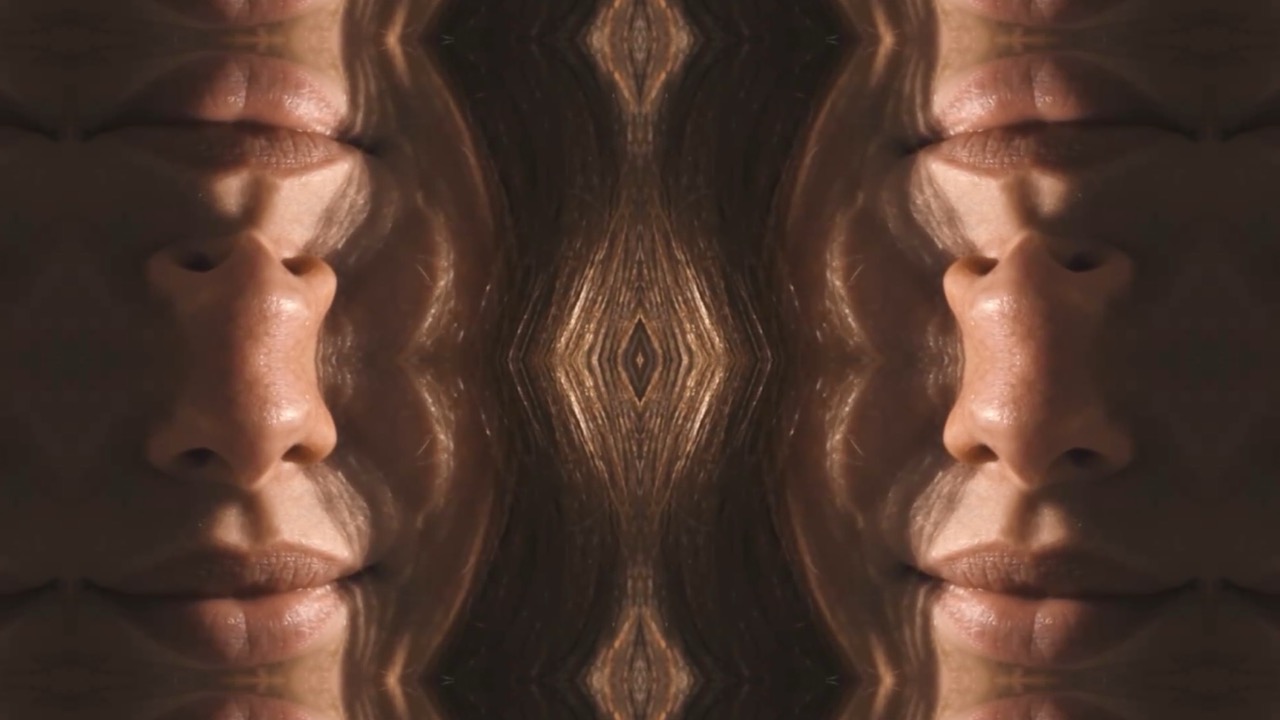
Mirror
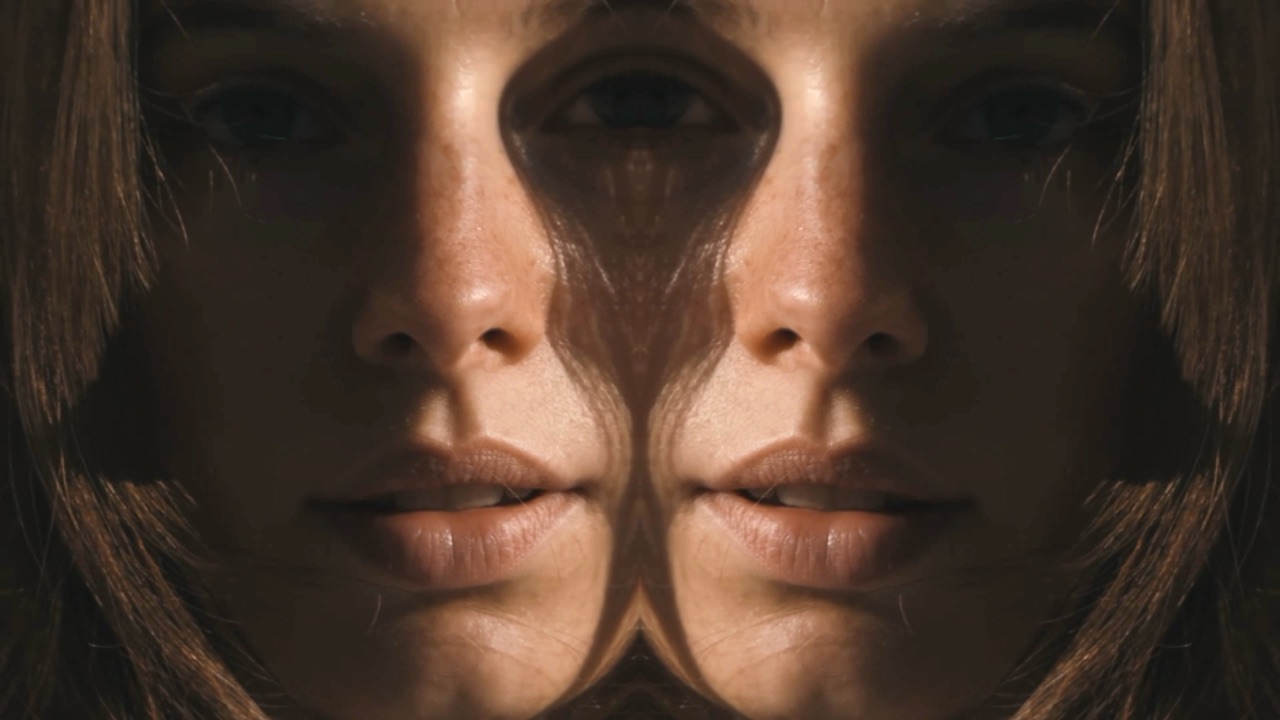
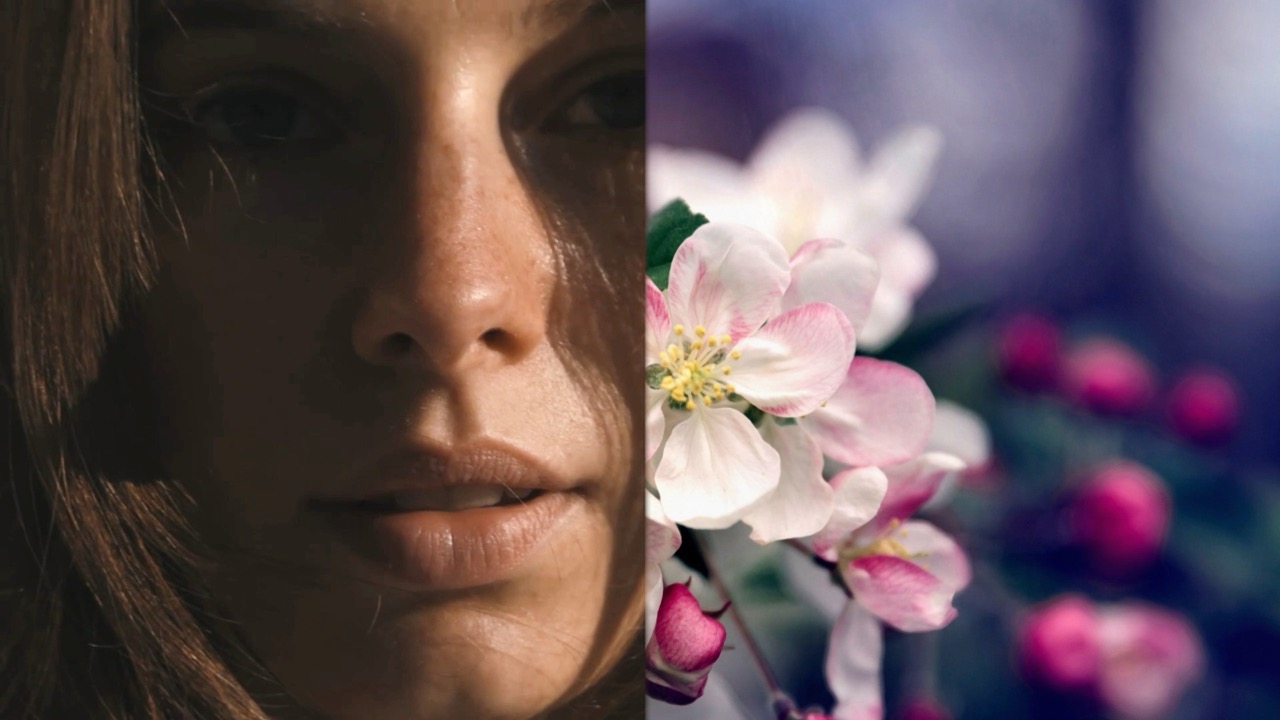
Reflects one half of the frame onto the other. Instant symmetry, and where the mirror line falls changes the result completely.
| Amount | effect strength |
| Side | which half is kept |
| Position | where the mirror line sits |
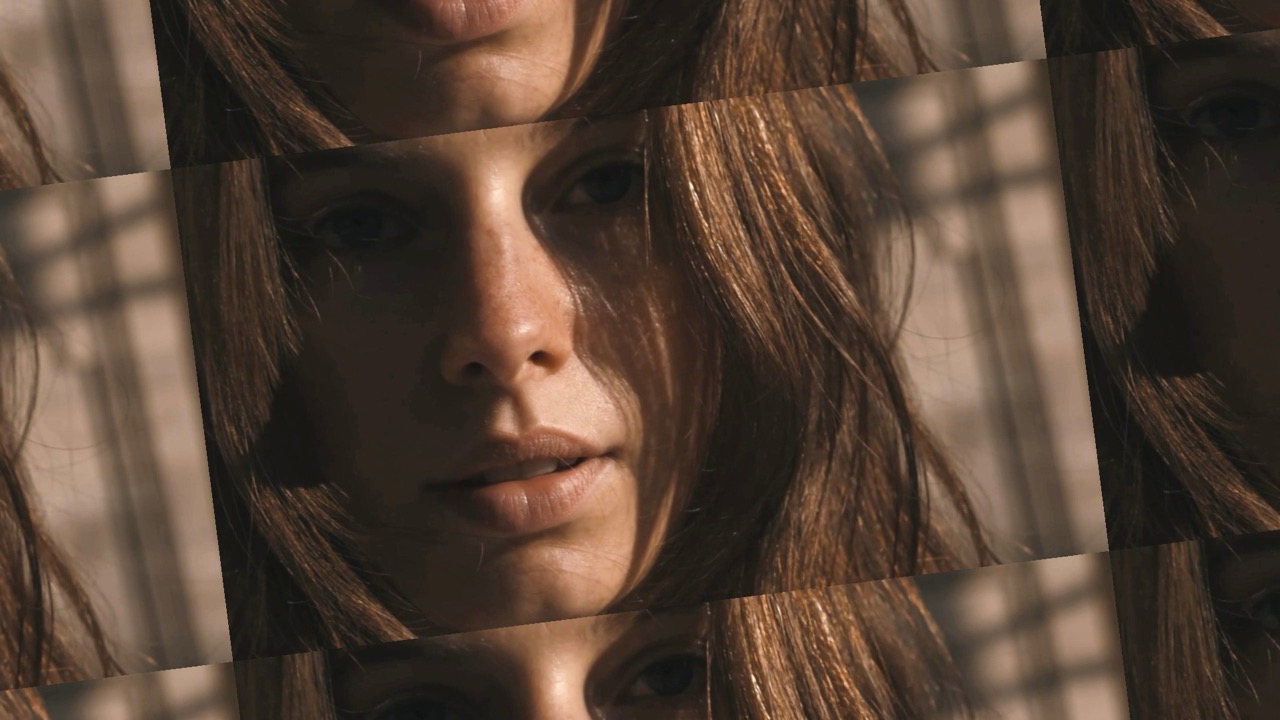
Tile
Animated
Repeats the frame in a grid. Small sizes turn a face into a pattern; large ones just double it.
| Amount | effect strength |
| Size | how many repeats |
| Offset | shifts alternate rows |
| Speed | animates the offset |
| Angle | rotates the grid |
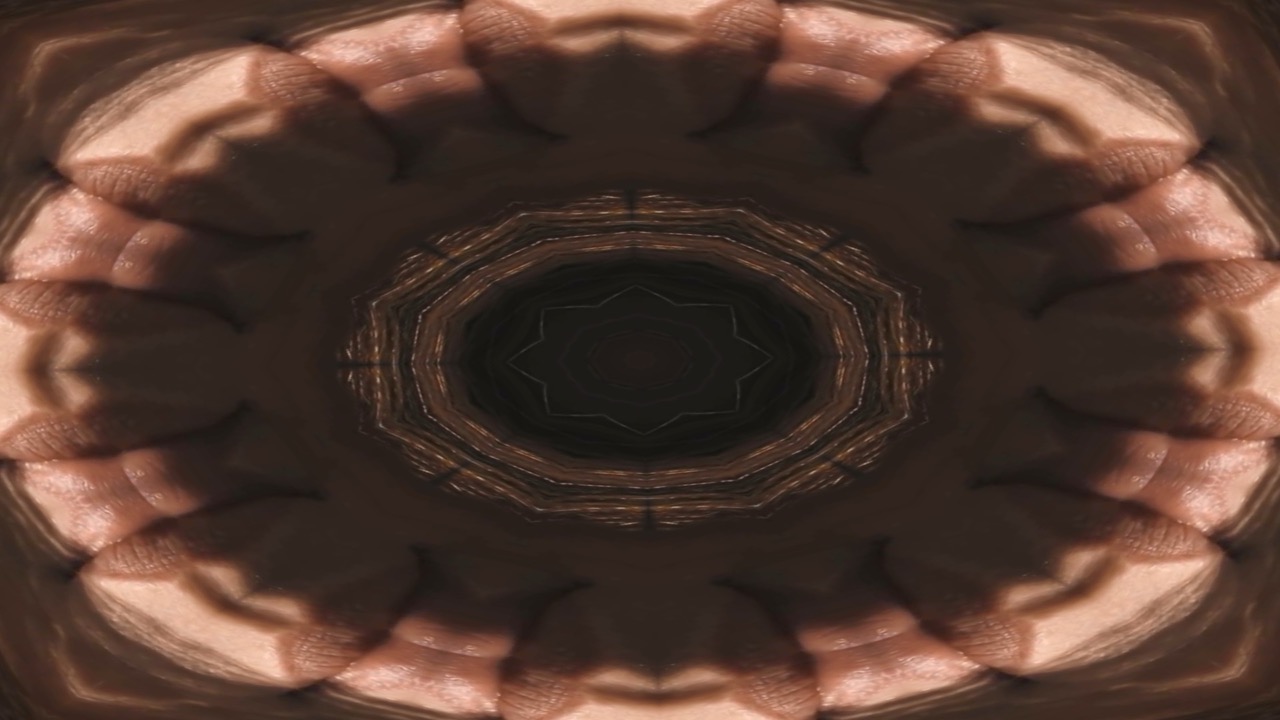
Kaleido
Mirrors the frame around a center point into wedges — the VJ staple. Almost any input becomes a symmetrical figure.
| Amount | effect strength |
| Sides | number of wedges |
| Angle | rotates the pattern |
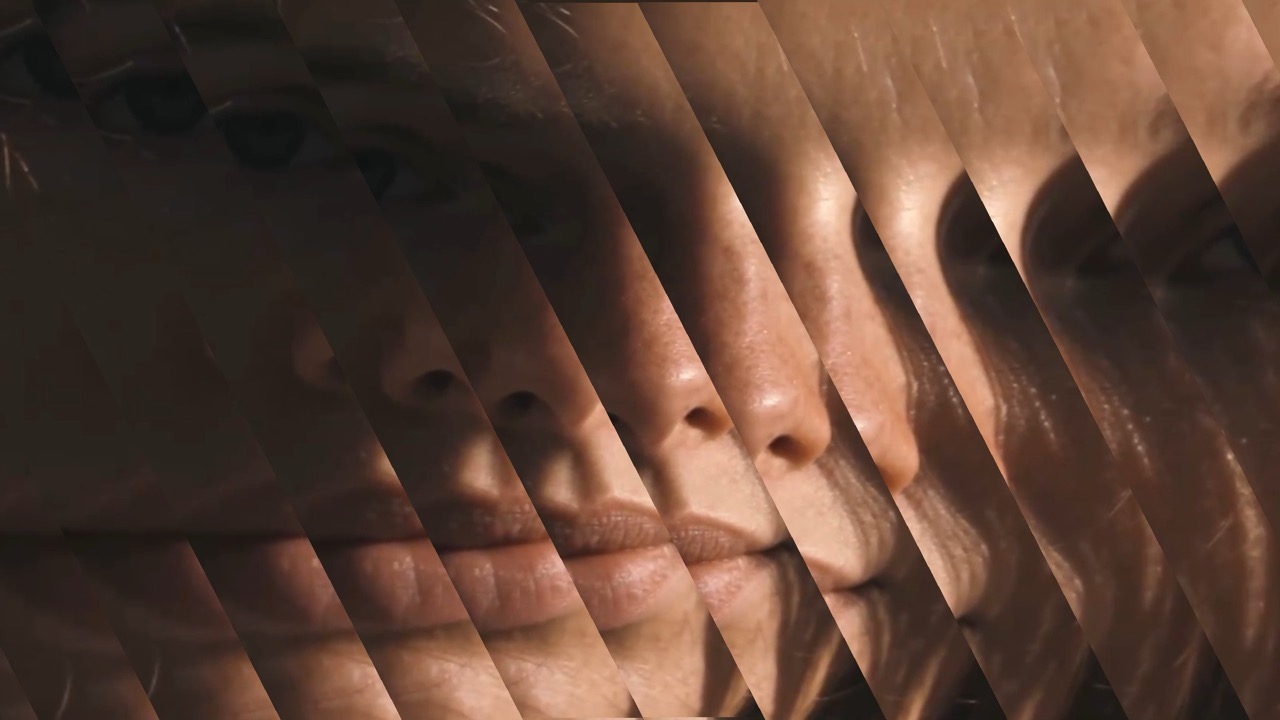
Splitter
Slices the frame into strips and offsets them, with control over scale and angle. More architectural than Slices — the strips stay ordered.
| Count | number of strips |
| Shift | how far they offset |
| Offset | stagger between them |
| Scale | size of each strip |
| Angle | direction of the cut |
Tone and Contrast
Changing how light and dark are distributed.
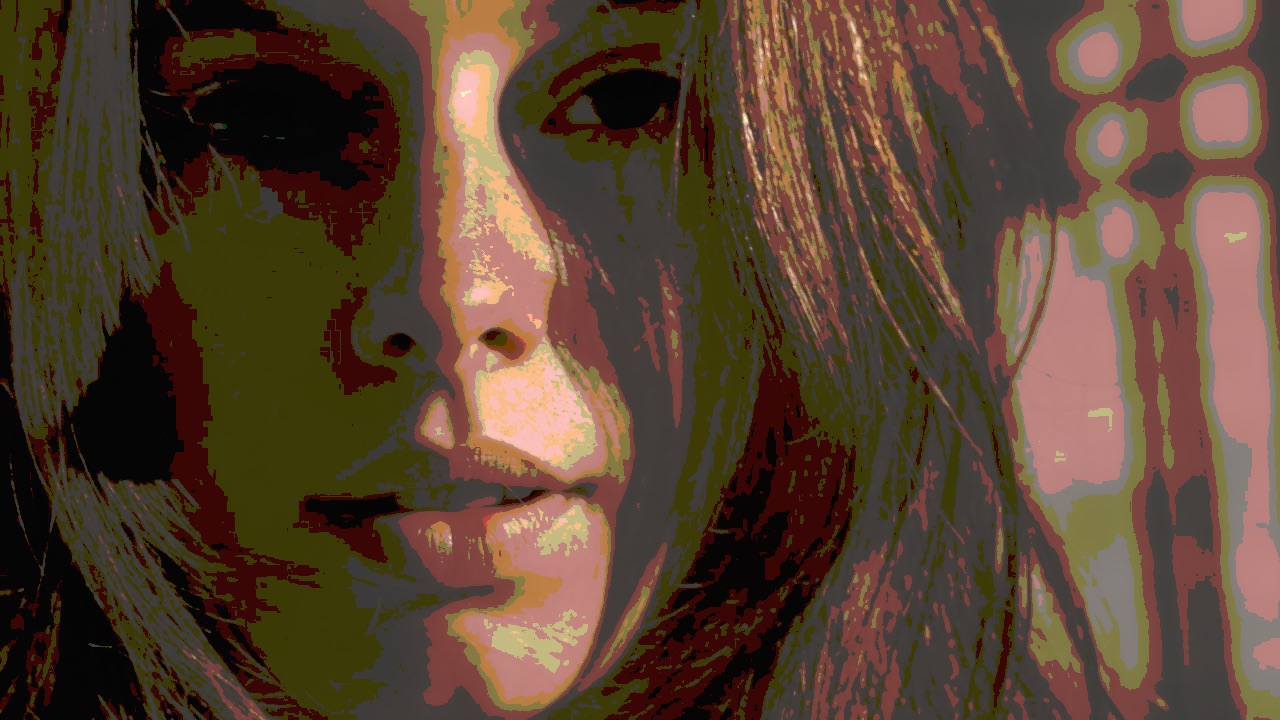
Posterize
Reduces the number of tonal steps, so smooth gradients become flat bands. A screen-print look, and useful before edge-based effects.
| Amount | effect strength |
| Levels | how many tonal steps remain |
Solarize
Inverts the brightest tones while leaving the rest, the darkroom accident that became a look. Highlights go strange while shadows stay normal.
| Amount | effect strength |
| Brightness | lifts the image before inverting |
| Power | how sharply the inversion kicks in |
| Colorize | tints the inverted range |
Edges
Finds where brightness changes sharply and draws only those, turning the picture into a line drawing.
| Amount | effect strength |
| Passthru | blends the original back behind the lines |
| Thickness | line weight |
| Edge Color | color of the lines |
Bleach
Crushes contrast toward white the way over-developed film does. Highlights blow out, mid-tones lift.
Sharpen
Increases local contrast at edges so detail reads harder. Push it and you get the crunchy over-processed look deliberately.
| Amount | effect strength |
| Spread | how wide the sharpening reaches |
Dots and Pixels
Rebuilding the picture from a limited set of marks.
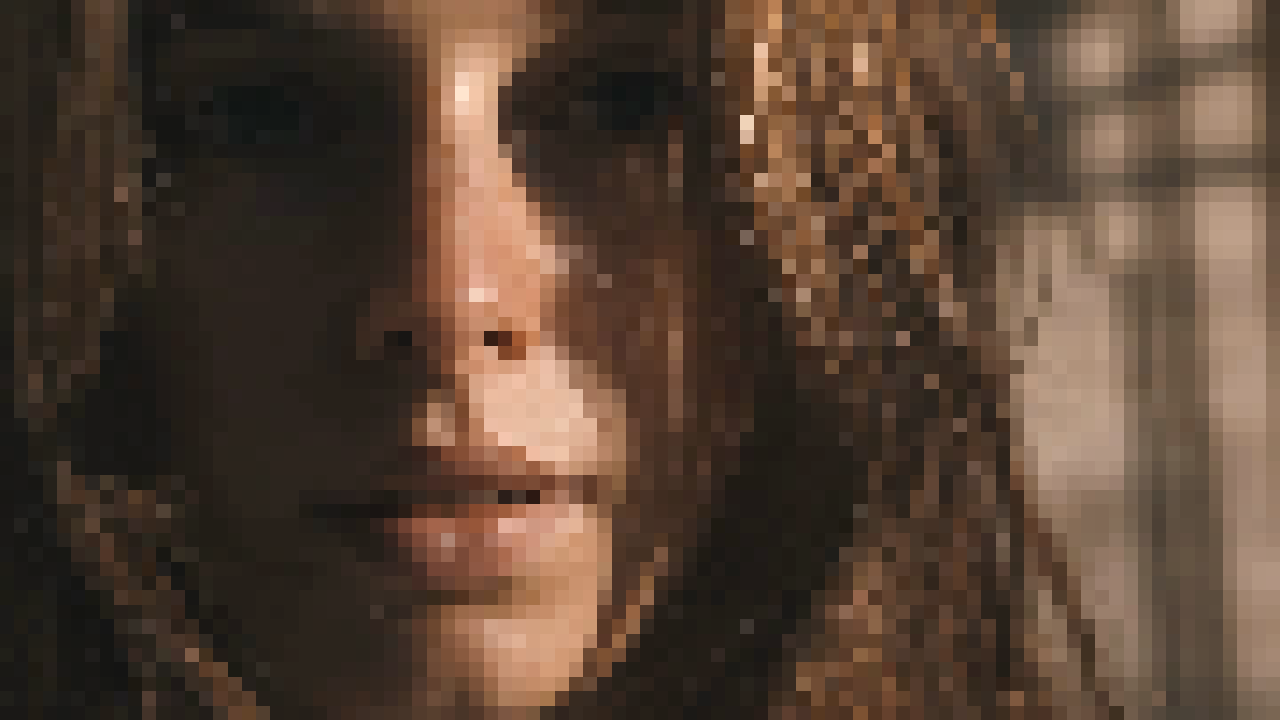
Pixelate
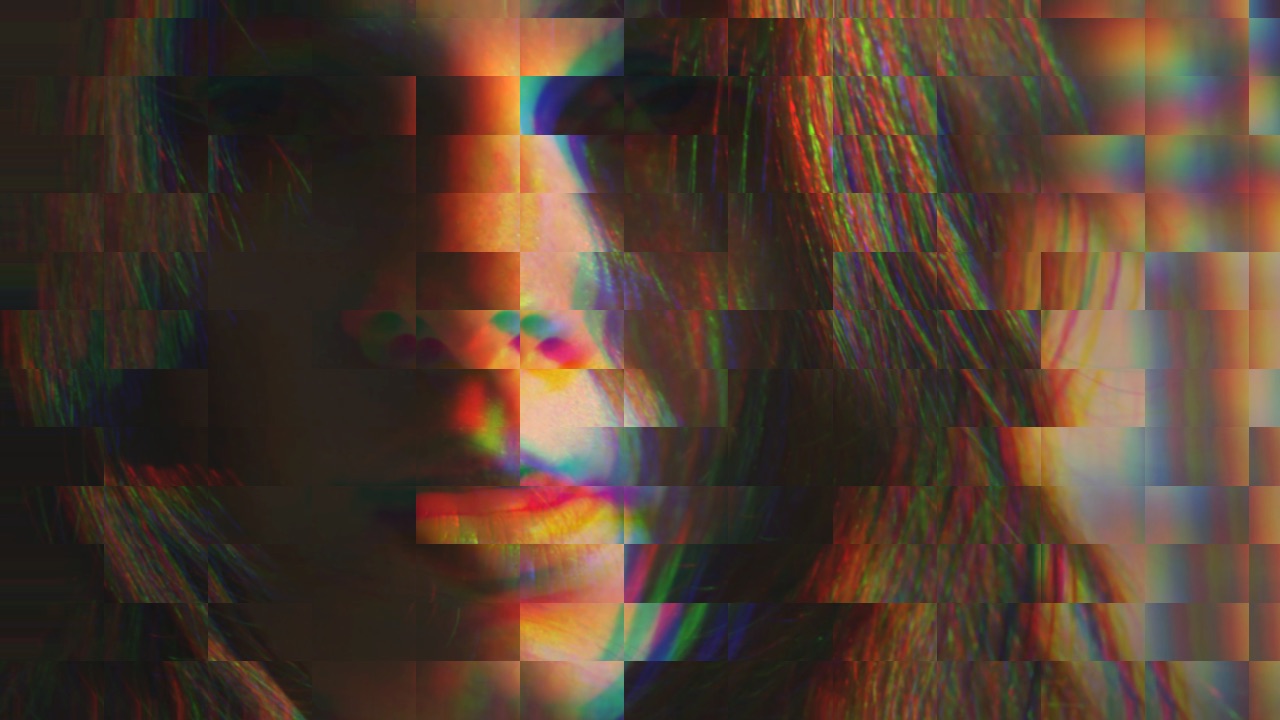
Averages the image into rectangular blocks. The oldest digital effect there is, and still the fastest way to abstract a face.
| Amount | effect strength |
| Horiz / Vert Pixels | block count across and down |
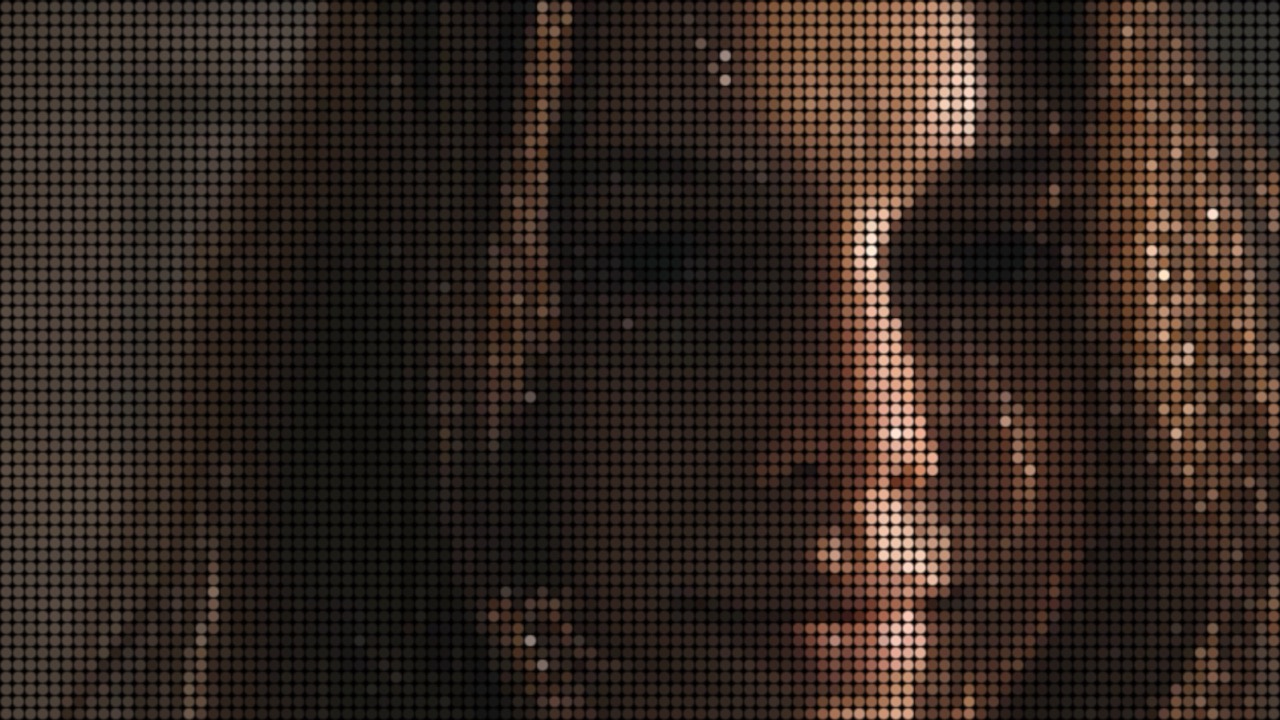
Dot Matrix
Rebuilds the picture from a grid of dots sized by brightness — a printed halftone or a stadium display.
| Amount | effect strength |
| Count | dots across the frame |
| Size | how large each dot grows |
| Blur | softens the dot edges |
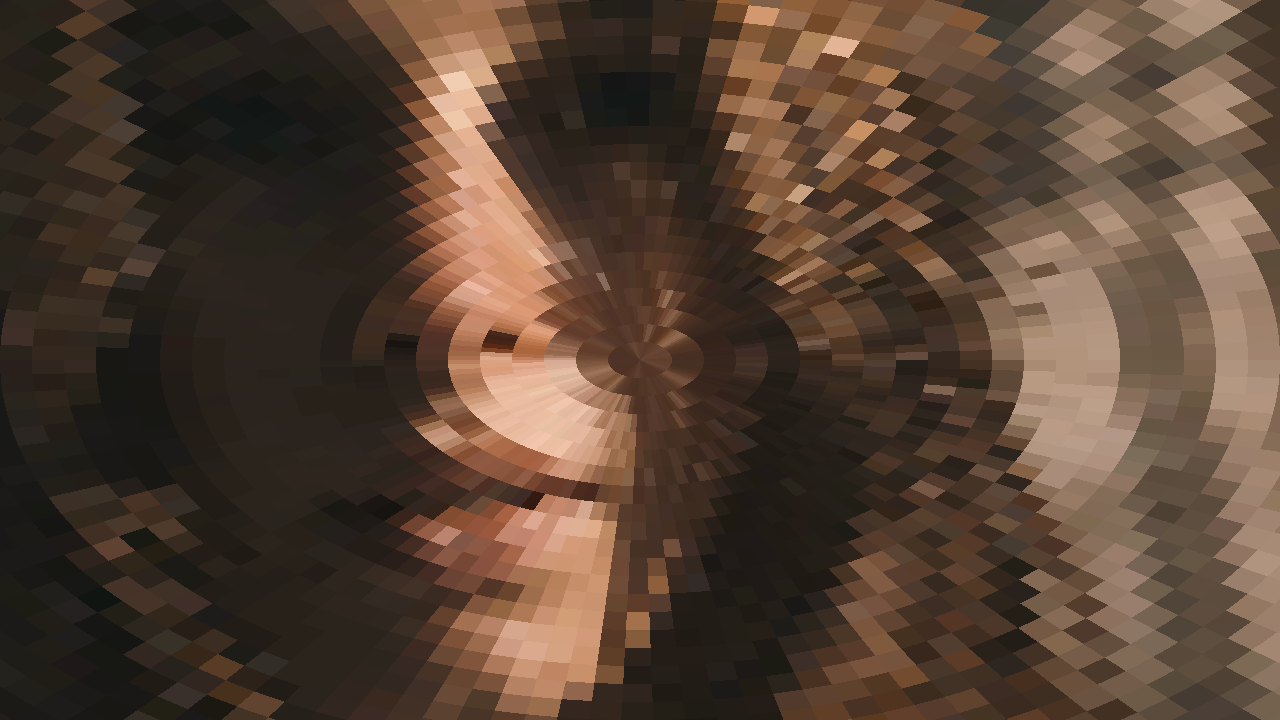
Polar
Remaps the frame into polar coordinates, wrapping the image around a center point. Straight lines become arcs.
| Amount | effect strength |
| Radius | size of the center hole |
| Segments | how many repeats around the circle |
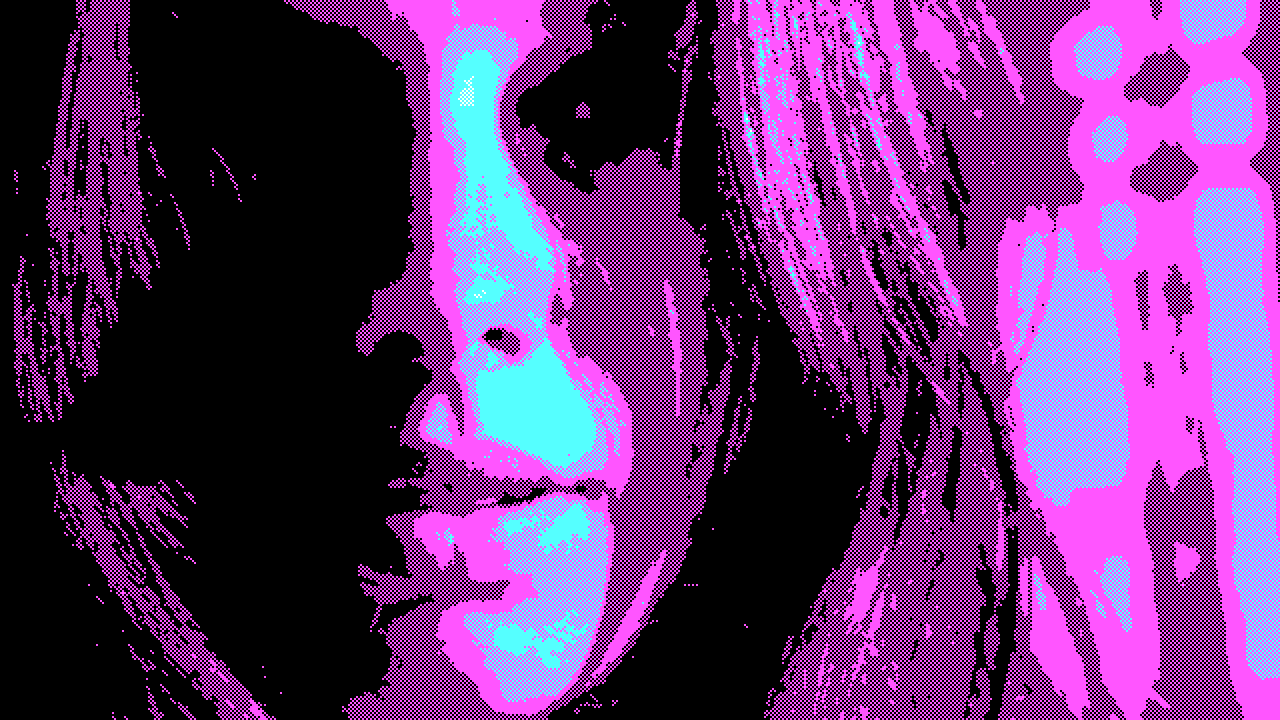
8-Bit
Quantises color to a period palette and pixelates to match — a specific machine rather than a generic retro look.
| Amount | effect strength |
| Style | which era's palette |
| Scale | pixel size |
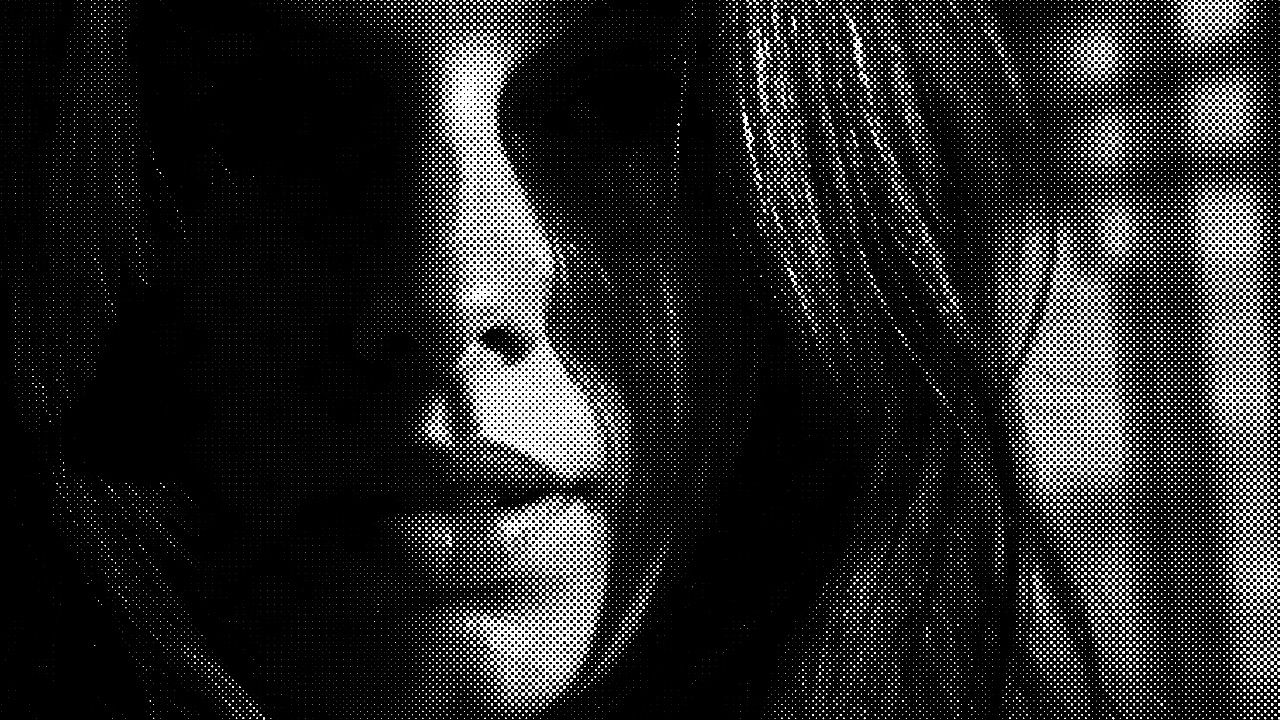
Half Tone
The print process: tone reproduced as dots of varying size on angled screens. CMYK mode separates the channels the way four-color printing does.
| Amount | effect strength |
| Scale | dot size |
| CMYK | four-color separation rather than mono |
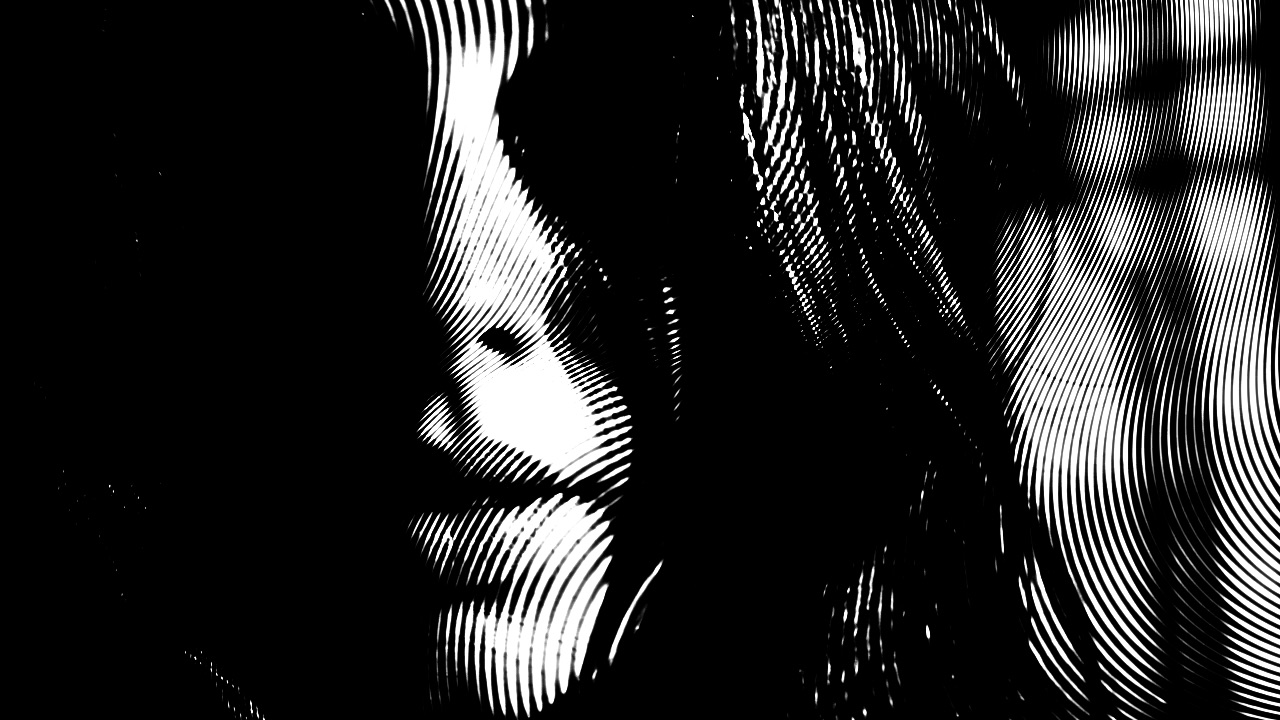
LinoCut
Reduces the image to carved-looking marks with a directional cut, like a lino or wood print.
| Amount | effect strength |
| Scale | size of the marks |
| Angle | direction of the cut |
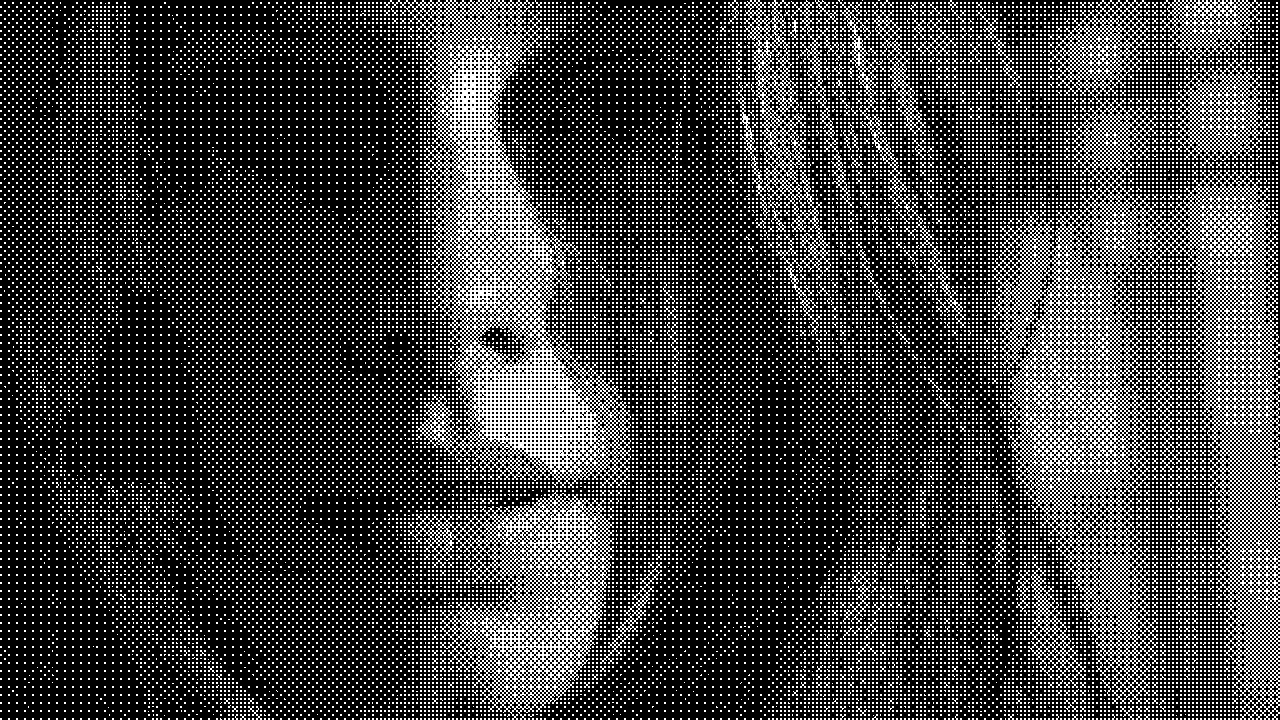
Dither
Fakes extra tones with patterned noise instead of smooth gradients — how early machines showed more colors than they had. Several patterns, each with its own texture.
| Amount | effect strength |
| Scale | size of the dither pattern |
| Colorize | keep color or go mono |
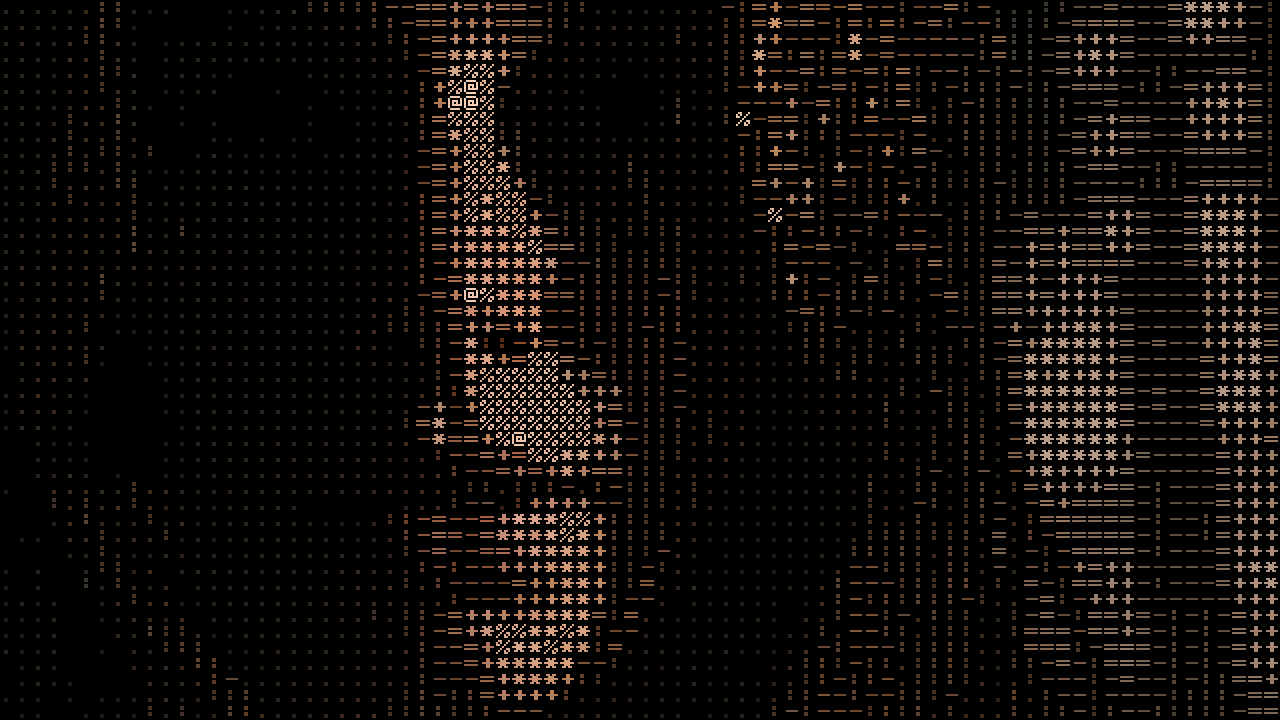
ASCII
Replaces the picture with characters chosen by brightness. Text terminals drew images this way decades before graphics cards, and it became the house style of the dial-up BBS scene. Seven built-in character sets, and you can type your own.
| Amount | effect strength |
| Size | cell size — raise it to make characters legible |
| Colorize | tint each character from the source pixel |
| Char Set | which glyph ramp; longer ramps hold more tonal steps |
| Custom Chars | your own ramp when Char Set is Custom — darkest character first |
Color
Grading, remapping and palettes.
Color Correction
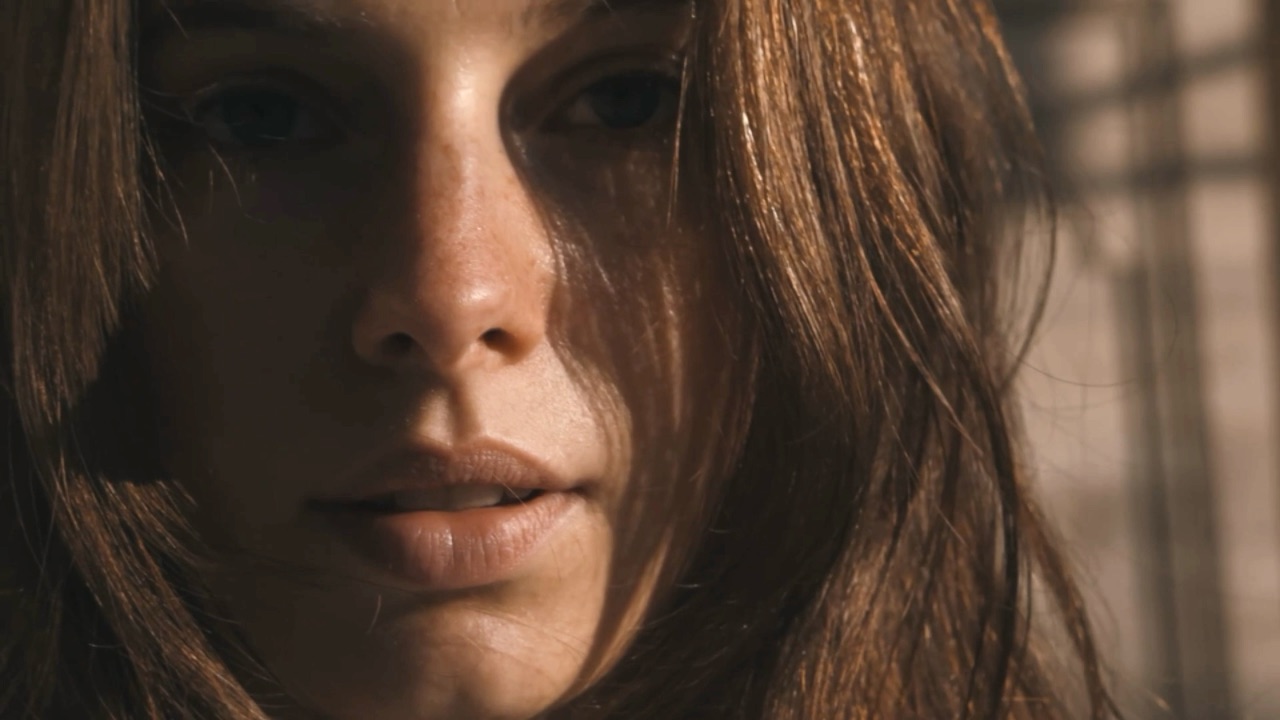
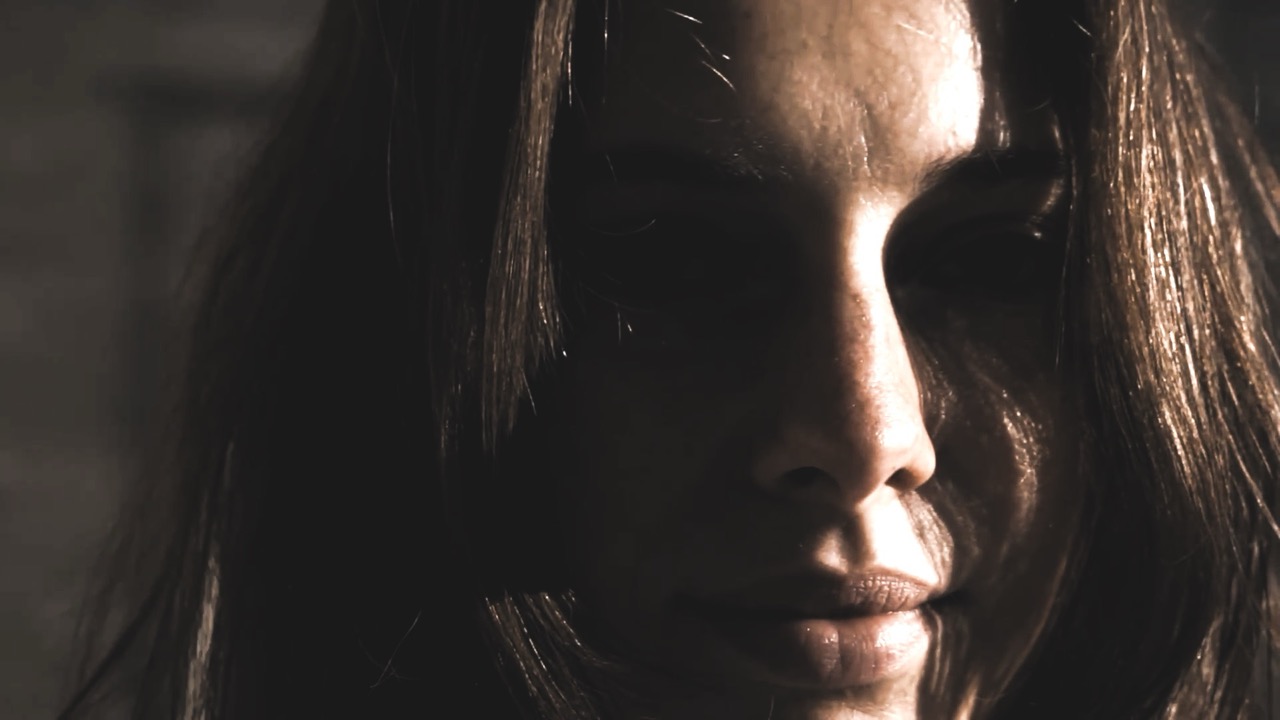
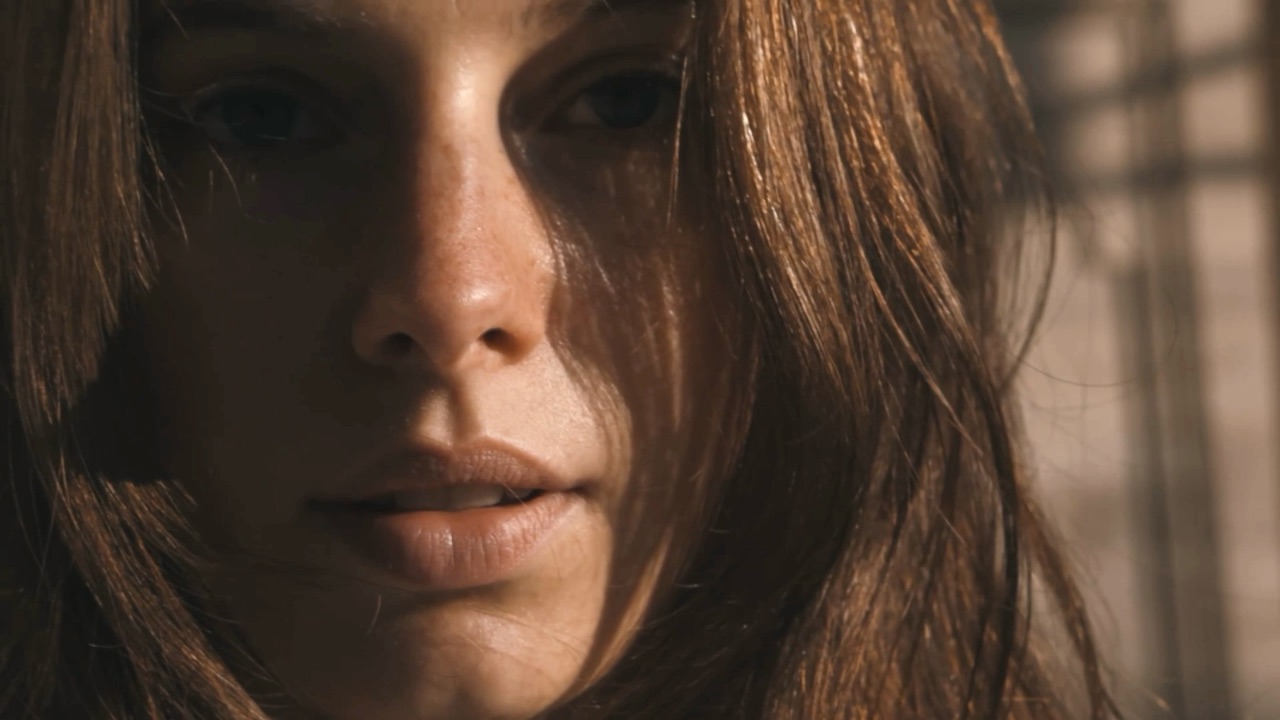
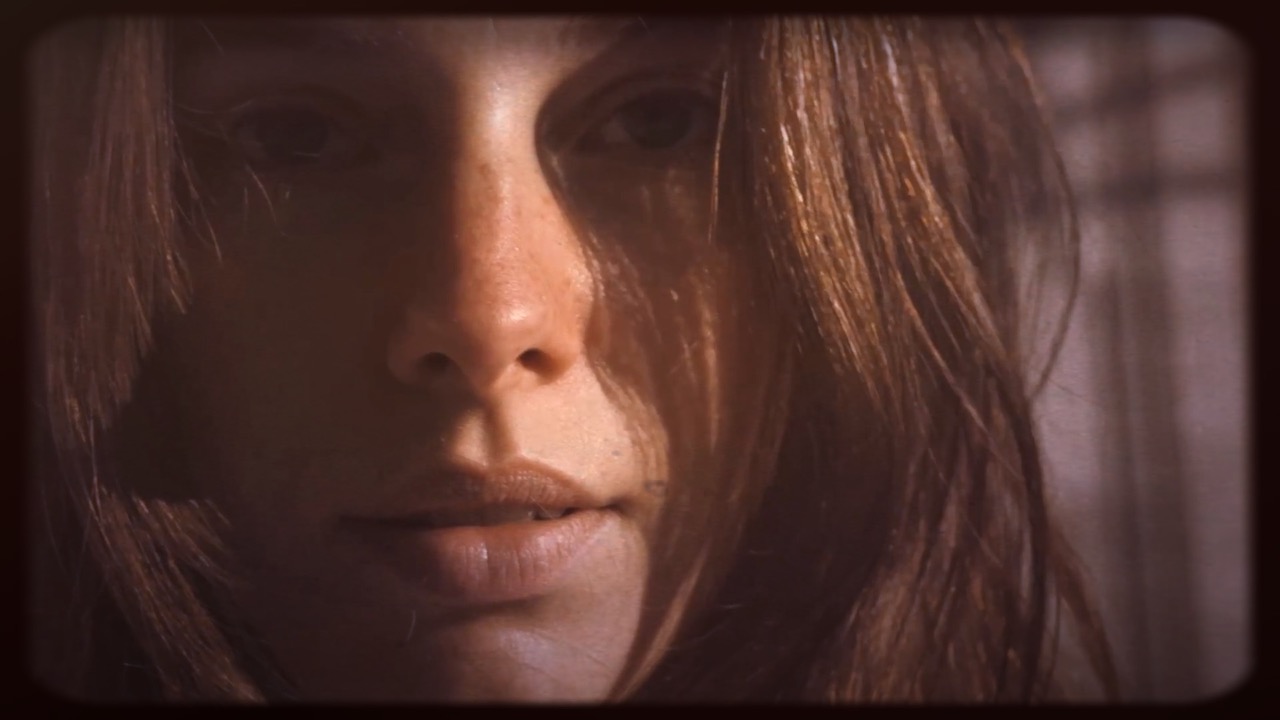
The plate every other shot on this page starts from. Not a look in itself — it is what you set first so the effects above it have contrast and color to work with.
| Brightness | the basics |
| Contrast | the basics |
| Saturation | the basics |
| Hue Offset | rotates every color |
| Invert | negative |
Hue Cycle
Animated
Rotates every color around the wheel, optionally over time. Set Speed above zero and the whole frame cycles.
| Amount | effect strength |
| Hue | how far colors rotate |
| Speed | animate the rotation |
DuoTone
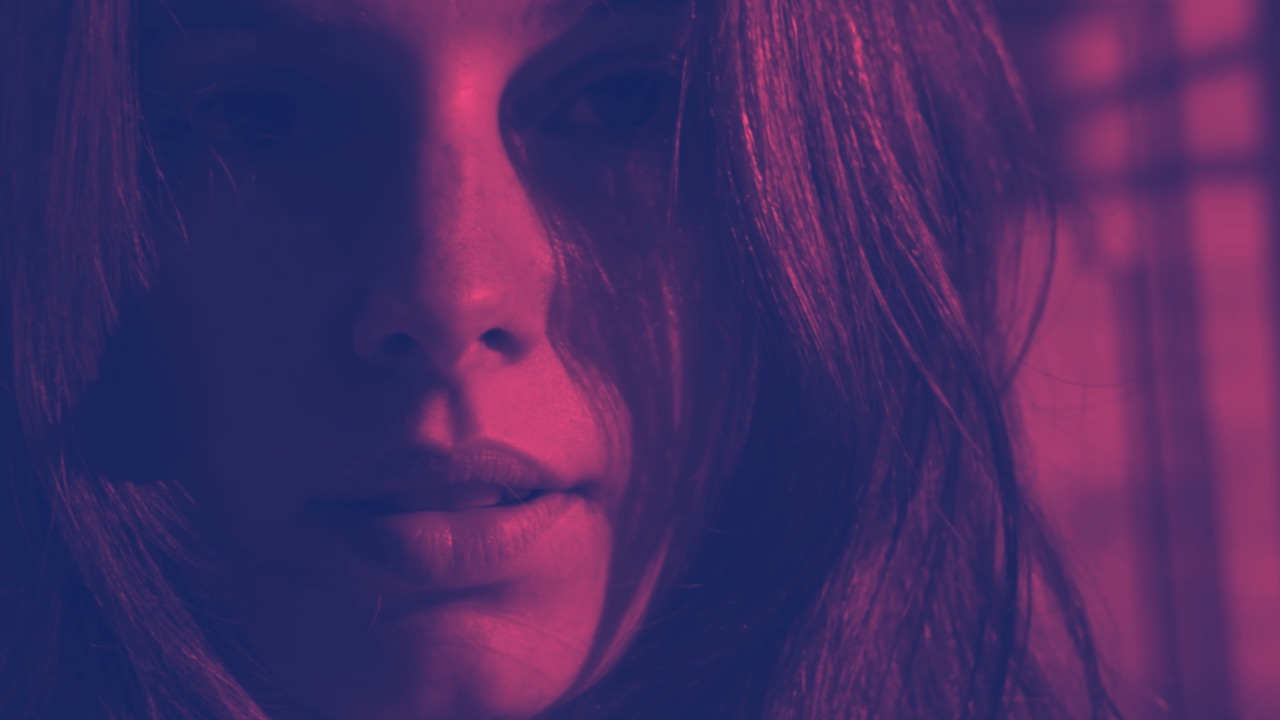
Maps the whole image between two colors you pick — shadows to one, highlights to the other. A fast way to force a coherent palette.
| Amount | effect strength |
| Light Color / Dark Color | the two ends of the ramp |
Rainbow
Animated
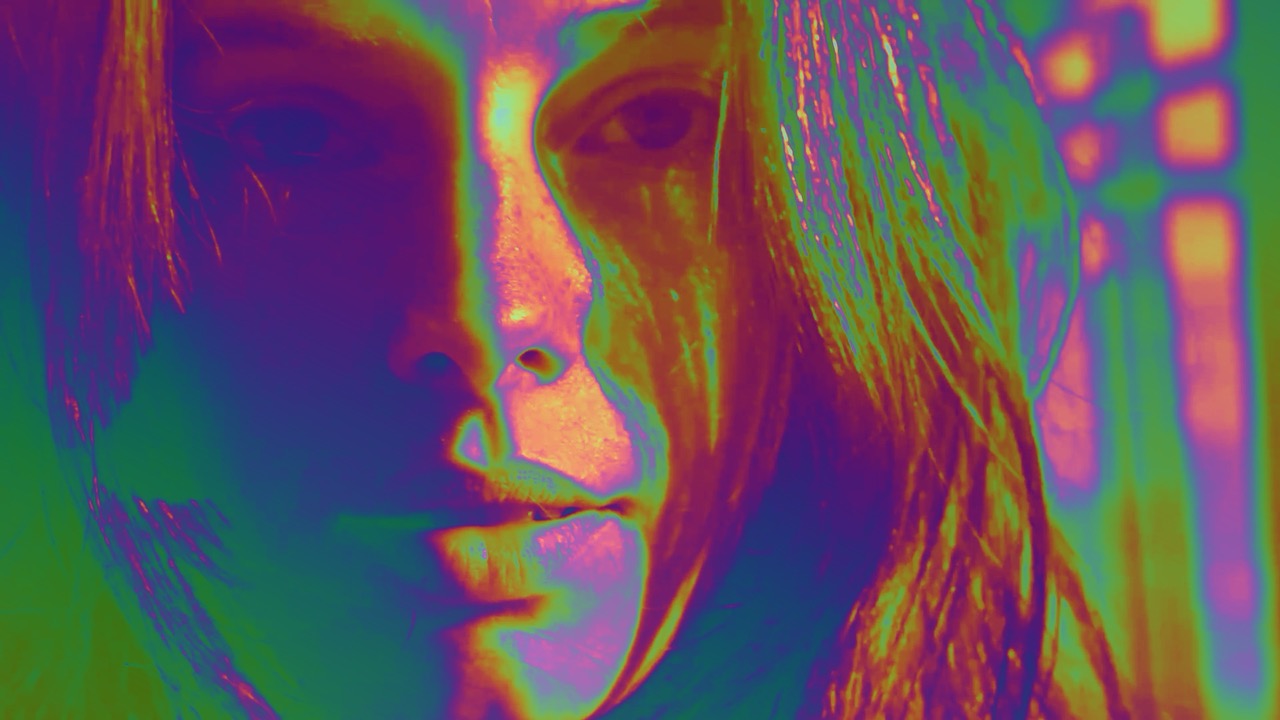
Maps brightness to a color palette so tone becomes hue. Thermal-camera territory, and it animates.
| Amount | effect strength |
| Offset | where the ramp starts and runs |
| Angle | where the ramp starts and runs |
| Speed | animates the cycle |
| Palette | which color ramp |
InstaColor
Preset color grades in the style of phone filters — a quick way to set a mood without building a grade by hand.
| Amount | effect strength |
| Style | which preset |
Optics
Lenses and light — what sits between the scene and the sensor.
RGB Shift
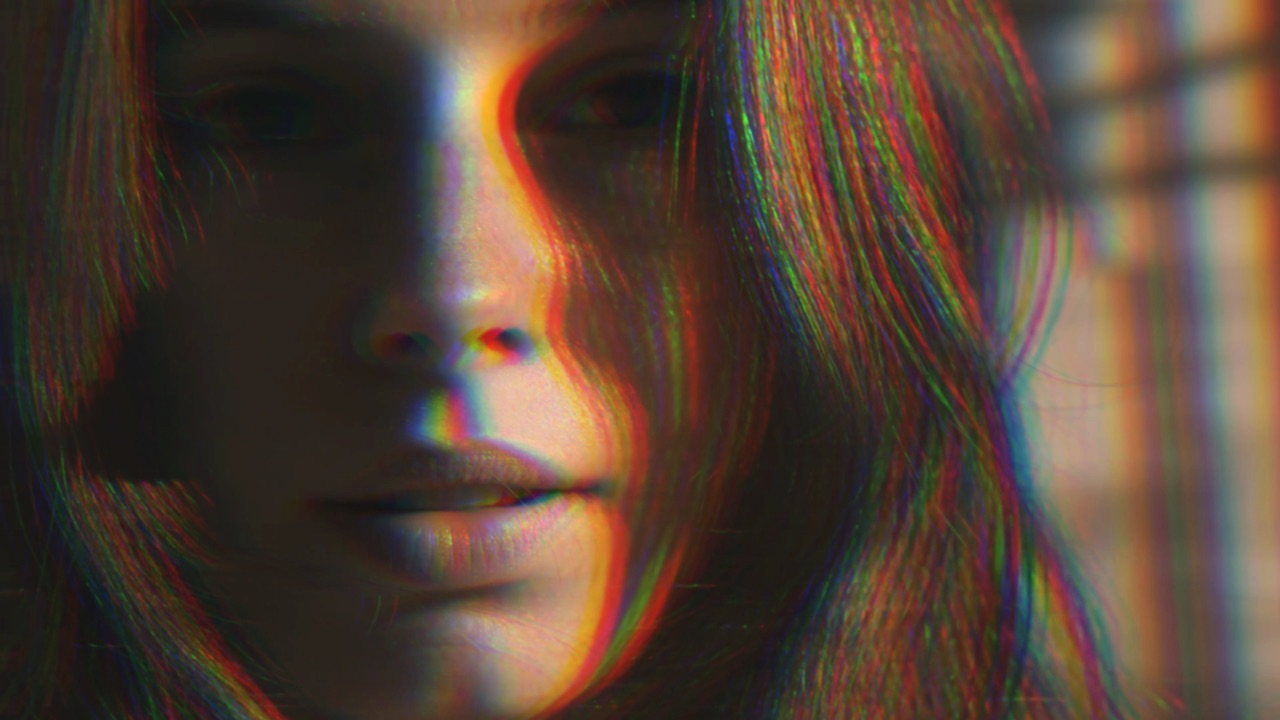
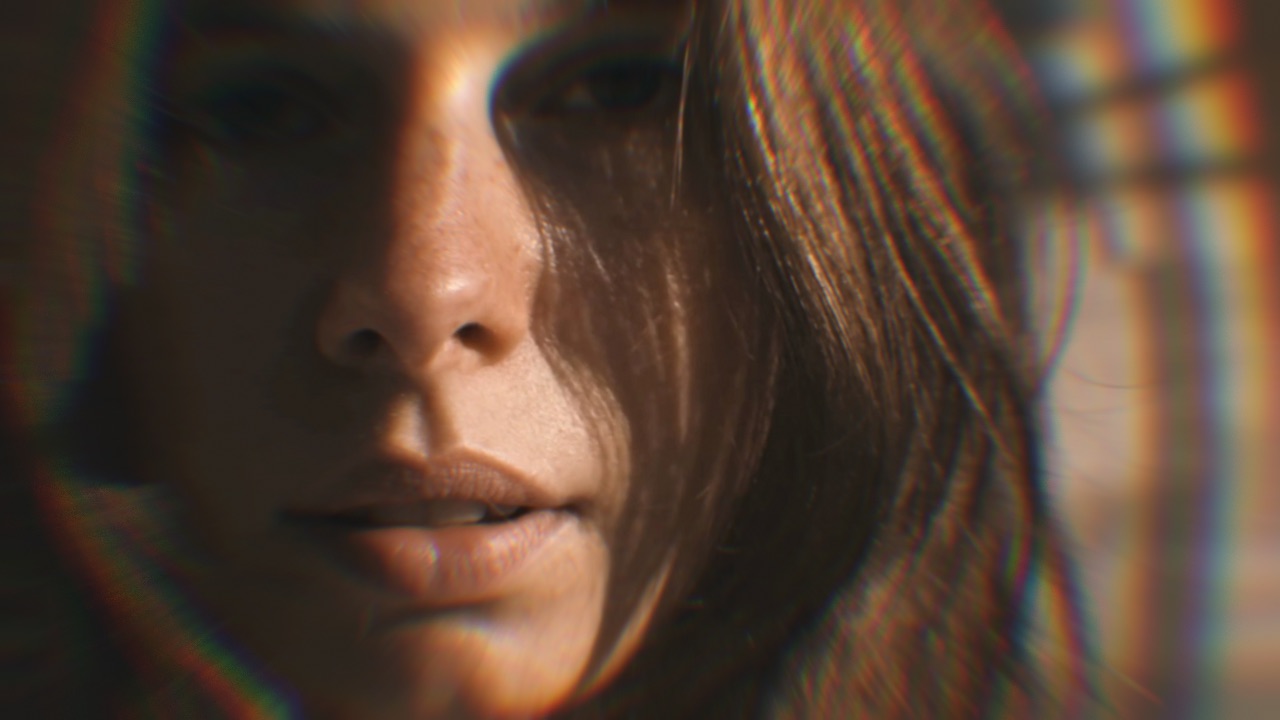
Separates the color channels spatially — the chroma misregistration of a badly-aligned tube or a cheap composite cable. A few pixels reads as retro; a lot reads as glitch art.
| Amount | effect strength |
| Angle | axis of separation |
| Mode | how the split is distributed |
Vignette
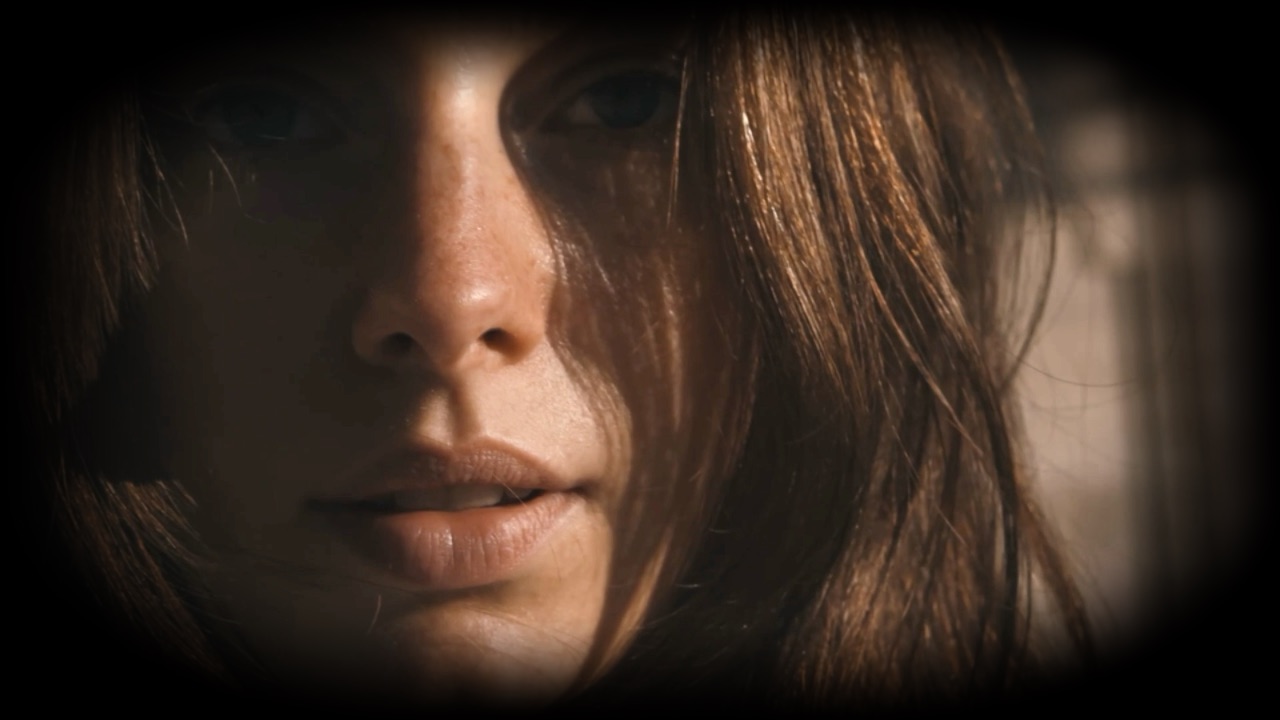
Darkens the corners. Almost invisible on its own and does a lot of quiet work focusing attention.
| Amount | effect strength |
| Feather | how soft the edge of the darkening is |
| Roundness | circular through to rectangular |
| Color | what the corners darken toward |
Tilt Shift
Keeps a band of the frame sharp and blurs above and below it, the way a shallow lens does. Reads as miniature.
| Amount | effect strength |
| Position | where the sharp band sits |
Barrel Blur
Simulates cheap glass — radial softening and color fringing that increase toward the frame edges.
| Amount | effect strength |
| Invert | blur the center instead |
| Concave | flips the distortion |
Glow
Blooms the bright areas so light spills past its edges, the way an overexposed highlight does on film.
| Amount | effect strength |
| Cut Off | how bright a pixel must be to bloom |
Blur
A straight gaussian blur. Useful on its own for depth, and as a stage inside a bigger chain.
| Amount | effect strength |
| Distance | radius |
Push Draw
Animated
Displaces the image using a map you paint yourself, so you choose exactly where the picture moves.
| Amount | effect strength |
| RGB | displaces color channels separately |
| Animate | lets the map drift |
| Show Map | view the map you painted |
| Clear | start again |
Screen and Film
Formats and displays — the layers that sit between the picture and the viewer, from film stock to tape to the tube it was watched on.
Super8
Animated
Home-movie film: burn marks, dust, gate weave and a frame edge. A whole format rather than a single artefact.
| Burn | scorch and flare |
| Dust | dirt on the print |
| Frame | visible film gate |
| Roll | shutter roll between frames |
VHS
Animated
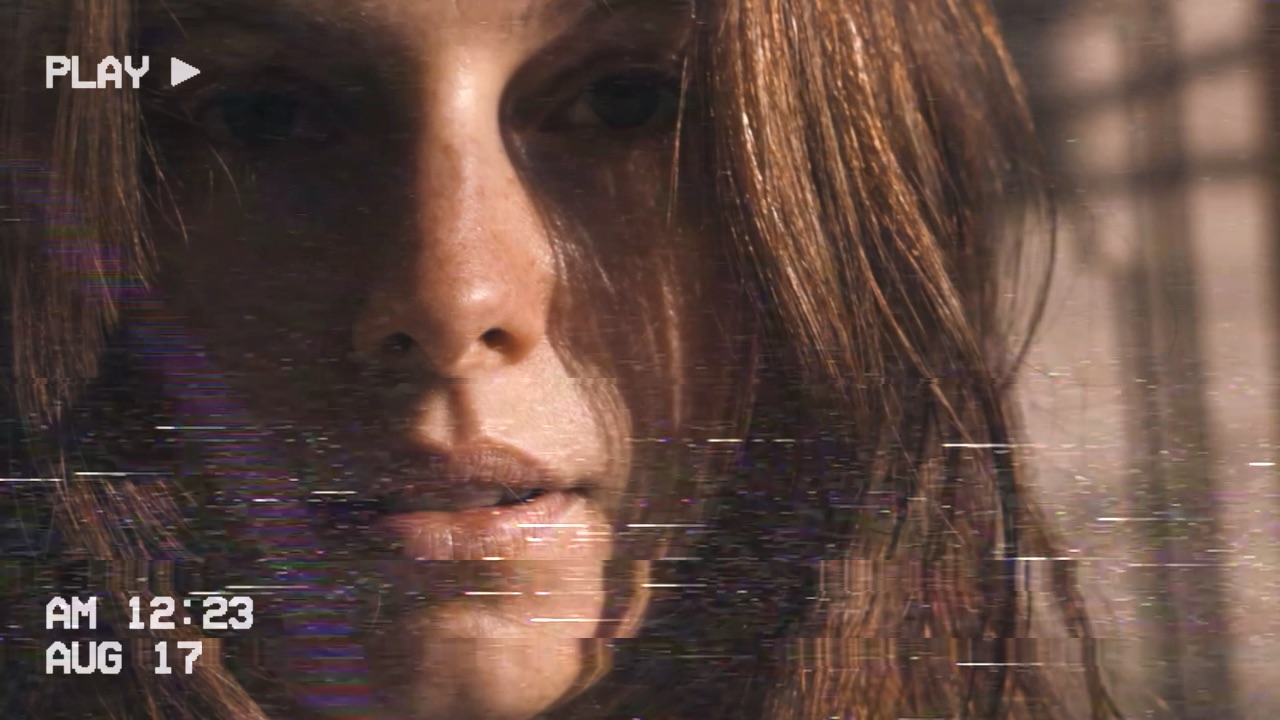
Tape artefacts — dropout bars, chroma noise, head-switching smear and the on-screen furniture a VCR stamps over the picture. The most complete of the retro effects.
| Text | opacity of the PLAY indicator and timestamp |
| Static | chroma noise floor |
| Bars | dropout streaks |
| Text 1 / 2 | replace the timestamp with your own |
CRT
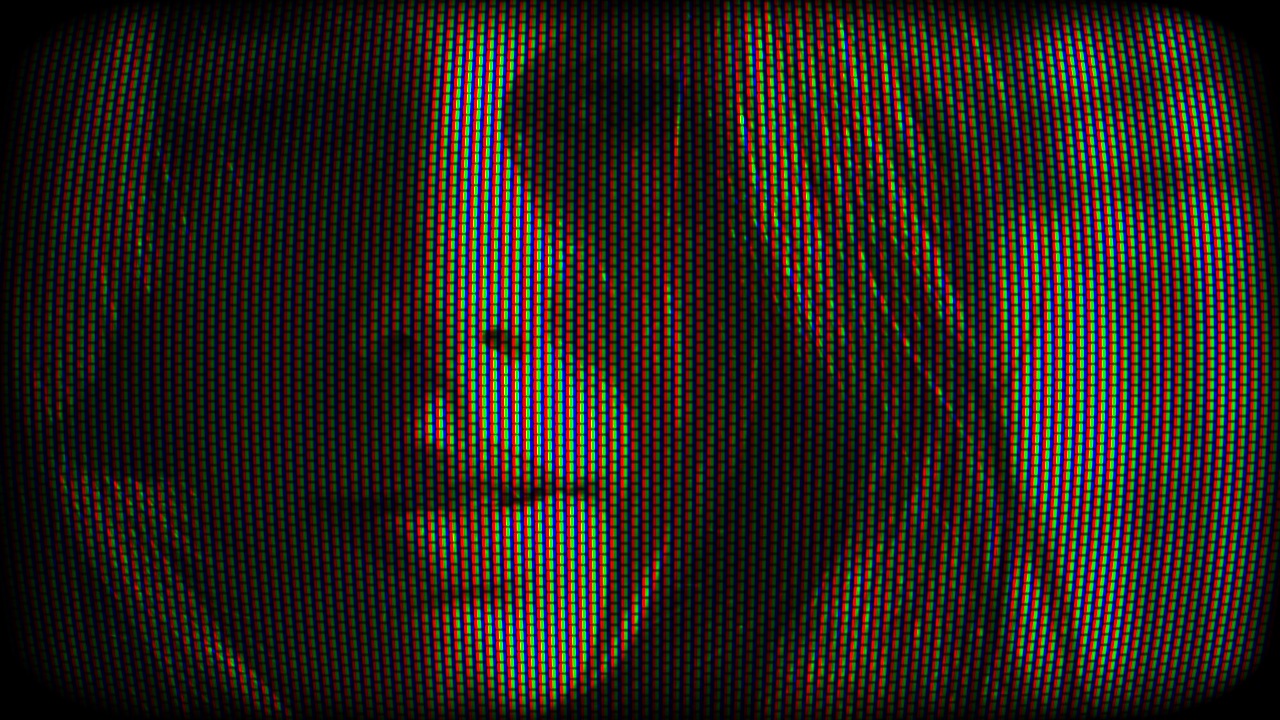
A whole display in one pass: phosphor triads, screen curvature and corner vignette. Raise Scale until the triads are visible — the default is finer than most screens can show.
| Amount | effect strength |
| Scale | size of the phosphor mask |
| Curve | screen bow |
| Vignette | corner falloff |
| Brightness | tube brightness |
ScanLines
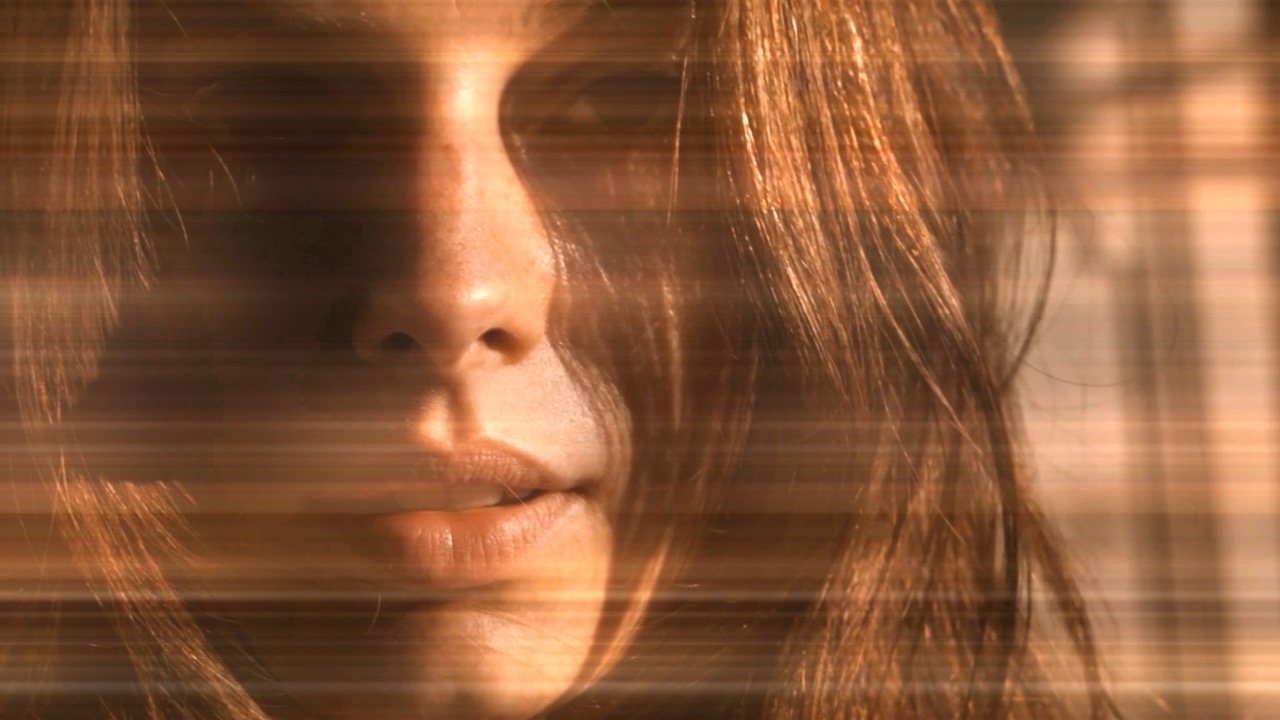
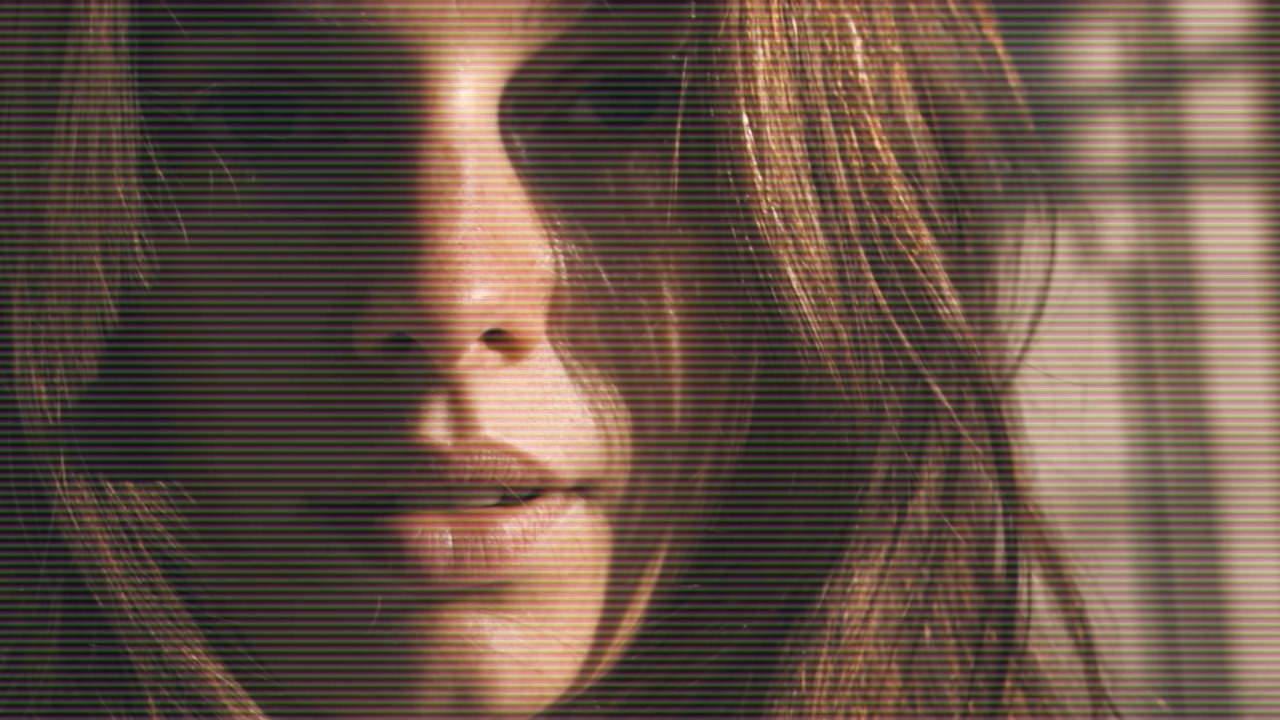
Simulates the raster of an old monitor — the horizontal lines a CRT drew the picture with, one scan at a time. The most recognizable signal that footage came off a screen.
| Amount | effect strength |
| Width | line thickness |
| Angle | tilts the raster |
| Blend Mode | how lines combine with the picture |
Grain
Animated
Two effects behind one Type control: Digital is pixellated sensor noise, Film is softer and clumps like emulsion. Belongs at the bottom of the chain — grain sits on the print, not inside the image.
| Amount | effect strength |
| RGB | colored or monochrome noise |
| Blend Mode | how it sits over the picture |
Content Layers
These bring their own picture rather than transforming what is below.
Caption
Draws text over the picture with full control over font, position and outline. Useful for titles, lyrics and lower thirds without leaving the app.
| Text | what it says |
| Position X / Y | placement |
| Size | typesetting |
| Line Height | spacing between lines |
| Font | typesetting |
| Align | typesetting |
| Color | legibility over busy footage |
| Outline | legibility over busy footage |
| Outline Color | color of the outline |
| Opacity | how solid the text is |
| Blend Mode | how the text combines with the picture |
| Repeat | tiles the text |
Color Gradient
Generates a color ramp as its own layer — linear or radial — to tint, vignette or wash the frame using any blend mode.
| Amount | effect strength |
| ColorStops | the colors in the ramp |
| Radial | circular instead of linear |
| Angle | how the ramp lies |
| Position | how the ramp lies |
| Scale | how the ramp lies |
| Blend Mode | how it combines |
Audio Visualizer
Requires audio in Animated
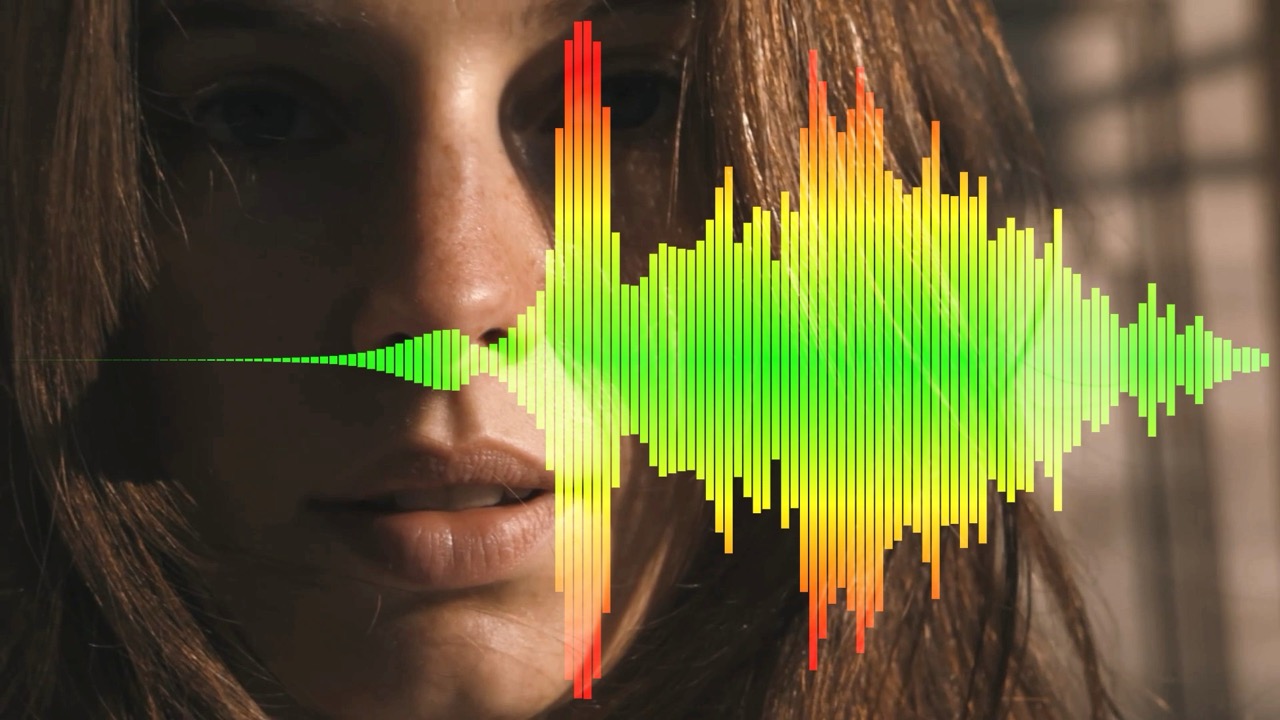
Draws the audio as bars that react to what is playing, in a bar or radial layout. Because it is a normal pass, everything else in the chain applies to it — the visualizer can be datamoshed, mirrored or run through a CRT like anything else.
| Bar Count | resolution of the analysis |
| Radial | circular instead of a bar row |
| Mirror | symmetrical layout |
| Color 1 / 2 / 3 | the gradient across the bars |
| Edge Damp | softens the ends |
| Opacity | how solid the bars are |
| Blend Mode | how they combine with the picture |
Masking
Modifiers that cut the layer above them, so an effect applies to part of the frame rather than all of it. To mask several effects at once, put them in a group and place the mask directly below the group — it then cuts the whole group as one. See Mask Effects in the docs.
Mask
Cuts the layer above it using an image you load — white keeps, black hides. This is how you apply an effect to part of the frame instead of all of it.
| File | the mask image |
| Load | choose the mask image |
| Amount | effect strength |
| Invert | swap what is kept and hidden |
| Show Mask | view the mask itself |
Mask Blocks
Animated
The same idea with a generated block pattern instead of an image, so the layer above shows through in shifting rectangles.
| Amount | effect strength |
| Scale | block size |
| Speed | how fast the pattern changes |
| Show Mask | view the mask itself |
Mask Draw
A mask you paint by hand directly on the preview, for when the area you want does not match any generated shape.
| Amount | effect strength |
| Invert | swap what is kept and hidden |
| Show Mask | view what you have drawn |
| Erase | rub out part of the drawing |
| Clear | start the drawing again |
ChromaKey
Keys out a color — green screen, but any color you pick. Cuts the layer above wherever that color appears.
| Chroma | the color to key out |
| Threshold | how close a pixel must be to that color to be cut |
| Show Mask | view the cut |
| Mask From | which source the key is measured from — useful when effects below have wrecked the color |
Remove Background
Coming soon
Separates a person from their background automatically, no green screen needed. It is built for people specifically — it will not cut out objects, animals or scenery. Cuts the layer above to the subject.
| Amount | effect strength |
| Expand / Feather | grow and soften the edge |
| Invert | keep the background instead |
| Show Mask | view the cut |
| Mask From | which source the subject is detected in |
Putting Them Together
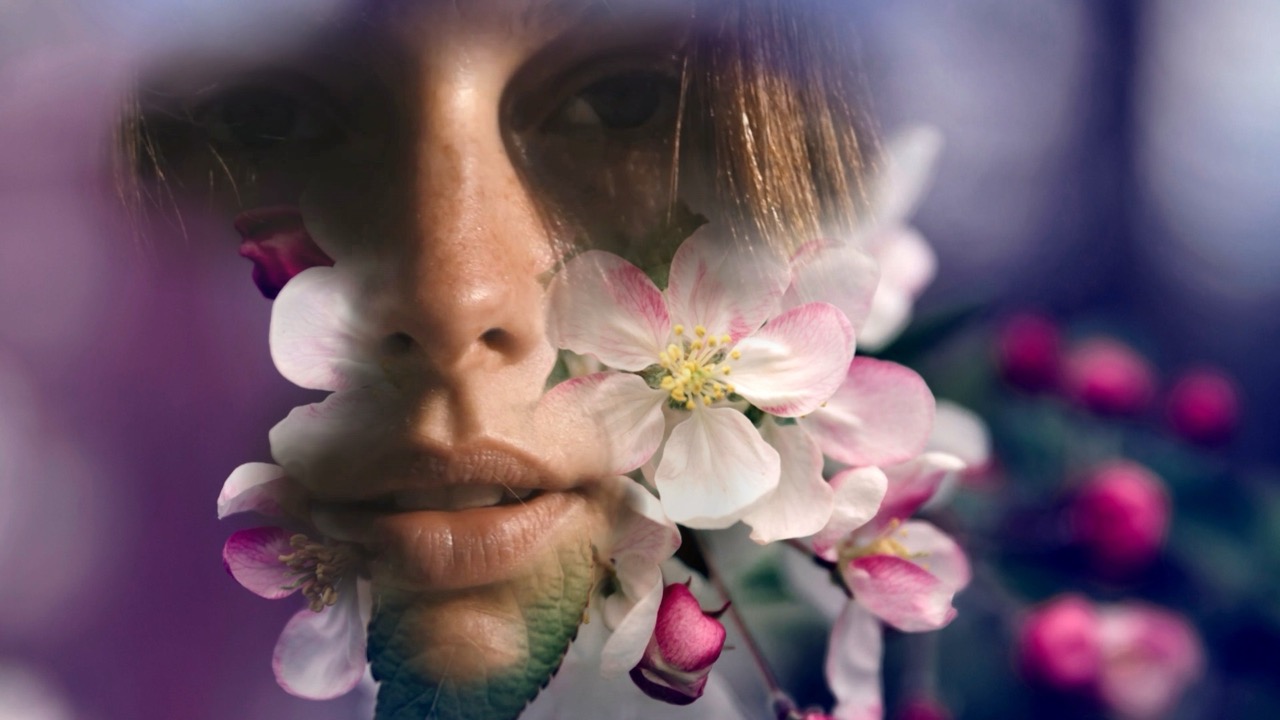
The power of Mosh-Pro is combining effects in new and interesting
ways. None of them behave the same twice — each one works on
whatever the pass above hands down, so the same effect at the same
settings lands differently depending on what it sits under.
Reorder the list and the same stack gives you a different picture.
Explore, go crazy.
Any of these can be stacked, grouped and masked, and every one is
driveable by audio or MIDI with
modulators. For a worked example
that builds one look out of seven passes, see the
retro effects guide.